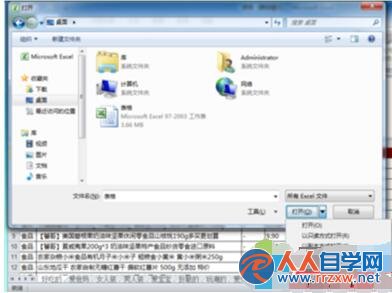
適用場景: Excel 檔案損壞、無法正常開啟、內容亂碼、公式錯誤。若內建修復失效,可嘗試 OpenXML SDK 工具、第三方修復軟體(如 Recovery Toolbox for Excel),或從備份/臨時檔/OneDrive 版本歷程恢復。
Recovery Toolbox for Excel
Win7 程式永以「系統管理員身分執行」三種設定法
Win7 彈出「設備健康助手」升級 Win10 故障原因與解決:點「更多選項」→「暫不升級」永久關閉
Win7 存取區域網路共享提示「沒有權限」?刪除「拒絕從網路存取」中的 Guest 帳號即可
Win7 使用 syskey 指令提升系統安全:雙重密碼、金鑰磁碟機完整教學
Win7 使用無線 USB 網卡教學:安裝驅動、更新裝置管理器、連上 WiFi 全流程
Win7 重裝系統後無法上網?五大排查步驟:Modem、網線、路由器、休息降溫、瀏覽器重裝
讓 Win7 每個 IE 視窗獨立進程,避免單一崩潰波及全局
Win7/Win8 WiFi 共享精靈虛擬網卡異常?掃描硬體變更 + netsh 指令雙重修復