Windows XP Windows 7 Windows 2003 Windows Vista Windows 綜合教學 Linux 系統教學
Windows 10 Windows 8 Windows 2008 Windows NT Windows Server 電腦軟體教學

讓 Win7 每個 IE 視窗獨立進程,避免單一崩潰波及全局

編輯:Win7 常見問題解答

開啟多個 IE 視窗時,預設共用同一進程,任一視窗無回應導致全部關閉。透過登錄檔新增 BrowseNewProcess 值,強制每個 IE 視窗獨立進程,大幅提升穩定性。

設定步驟

  1. 按 Win+R 輸入 regedit 開啟登錄編輯器。
  2. 導航至:
    HKEY_CURRENT_USER\Software\Microsoft\Windows\CurrentVersion\Explorer
  3. 在 Explorer 下右鍵→【新增】→【項目】,命名為 BrowseNewProcess。
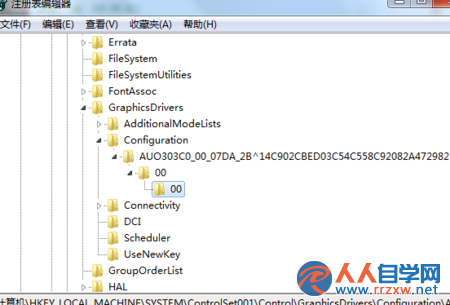
  4. 在該項目下右鍵→【新增】→【DWORD (32 位元) 值】,同樣命名為 BrowseNewProcess。
  5. 雙擊該值,數值資料設為 1,按【確定】關閉登錄編輯器。

重新開啟 IE 後生效,每個視窗將獨立運作,單一頁面崩潰不再影響其他視窗。

Copyright © Windows教程網 All Rights Reserved