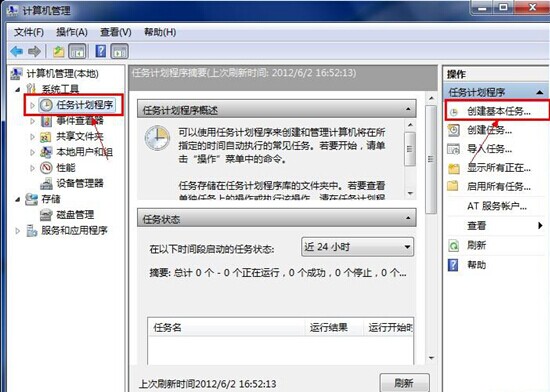
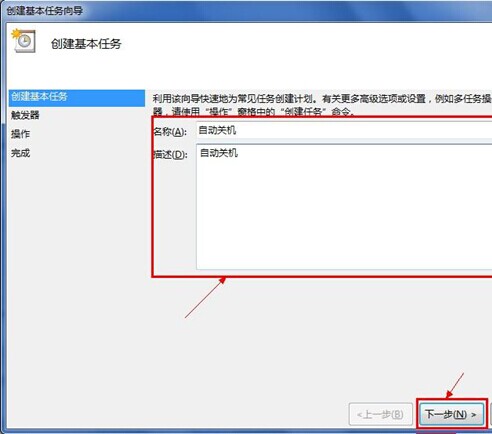
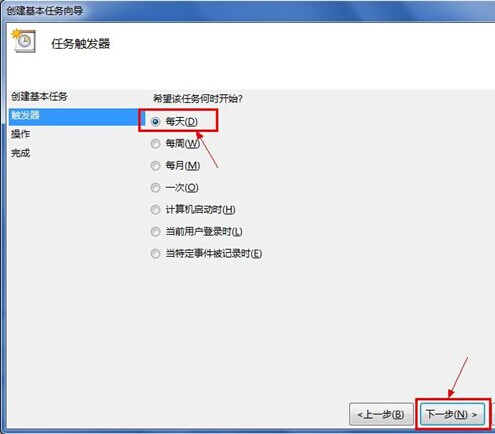
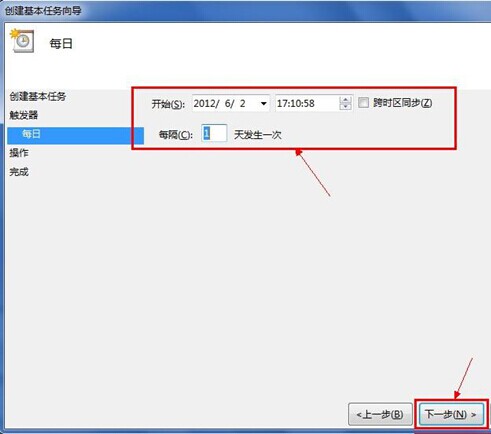
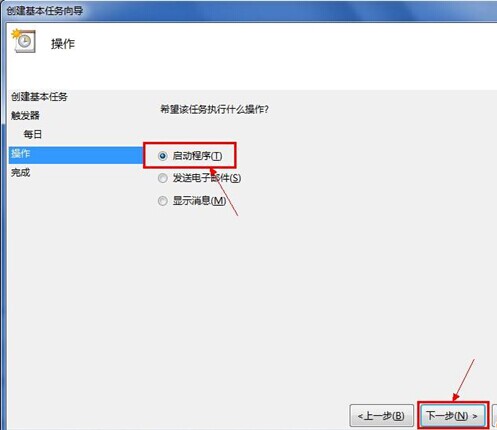
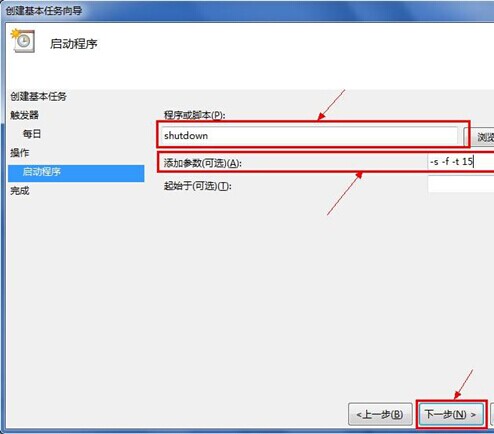
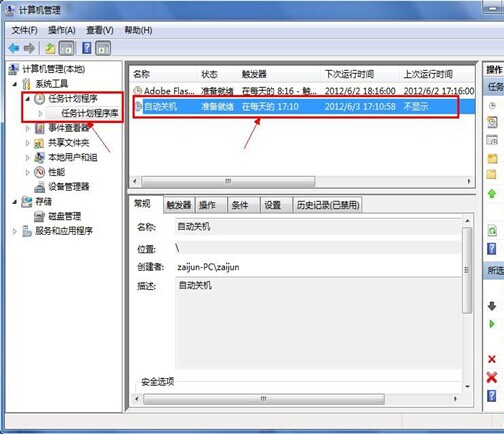
Windows 7 無內建定時關機工具,但可用「工作排程器」或 shutdown 指令達成,無需第三方軟體。
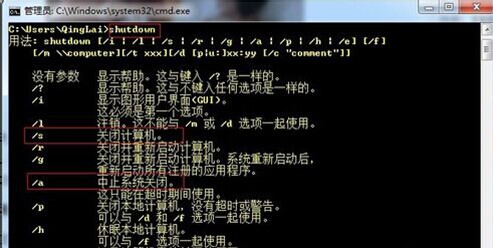
shutdown
-s -f -t 120
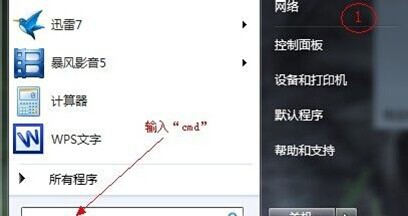
cmd
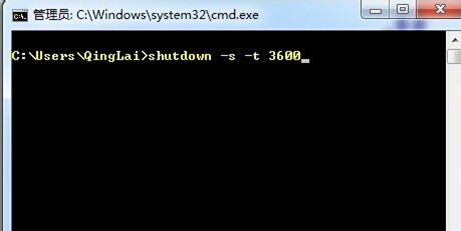
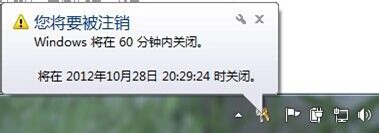
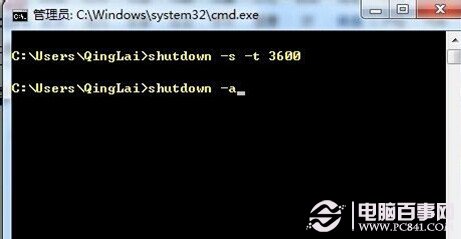
shutdown -s -t 3600
shutdown -a
建議固定排程用方法一,臨時需求用方法二。
Win8 ClearType 字體微調還原教學:註冊表兩步驟重置為預設值
Windows 10 資料夾選項在哪?兩種快速開啟方法圖文教學
Win7 遠端桌面連不上?五大檢查步驟完整排查教學
Win7 旗艦版沒有 Aero 玻璃透明效果?五步驟檢查啟用完整教學
Win8 如何加密資料夾保護隱私?推薦易捷資料夾加密大師完整教學
Windows 7 徹底移除印表機驅動程式,防止自動重裝
Win10 桌面找不到「我的文件」圖示?個人化設定一鍵顯示系統圖示
Win7 取得檔案/資料夾完整控制權 (管理員取得所有權) 註冊表一鍵加入右鍵選單