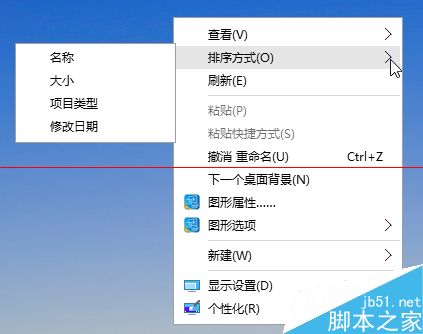
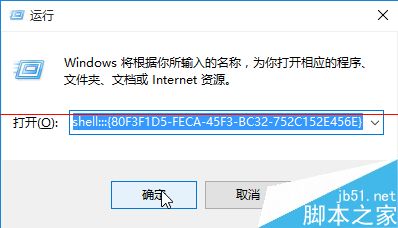
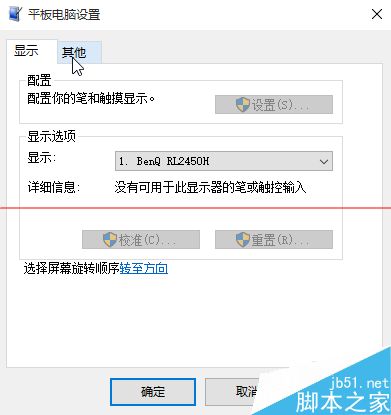
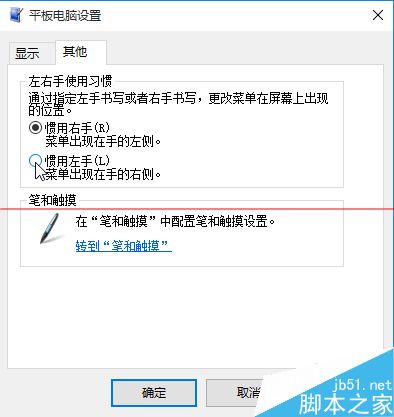
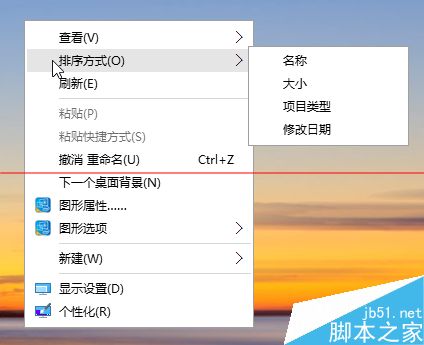
Win10 桌面空白處右鍵選單出現在左側,控制台找不到「平板電腦設定」。解決方法:
shell:::{80F3F1D5-FECA-45F3-BC32-752C152E456E}
Windows 7 透過控制台將 IE 設為預設瀏覽器 圖文步驟
Windows Vista 相容模式完整指南:讓舊版軟體順利執行的設定技巧
Windows Server 2008 實用優化五大技巧:關機事件、硬體加速、Aero、IE ESC、桌面體驗
Win7 桌面右鍵刷新反應慢(十幾秒)?註冊表清理 ContextMenuHandlers 秒解決
Windows 禁用遠程註冊表服務 防止被遠程惡意修改
Windows 10 系統還原完整圖文教程:將電腦恢復至指定時間點
Win8.1 線上更新失敗?改用 Google DNS (8.8.4.4) 秒解決
Win10 Build 10051 更新詳解:全新郵件應用 UI 大改版