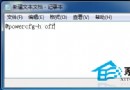
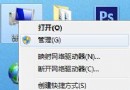
Win10 預設防火牆封鎖 ICMP 回應請求,導致無法 Ping 通。解決方法:在防火牆進階設定中啟用「檔案和印表機共用 (回應要求 - ICMPv4 輸入)」規則。
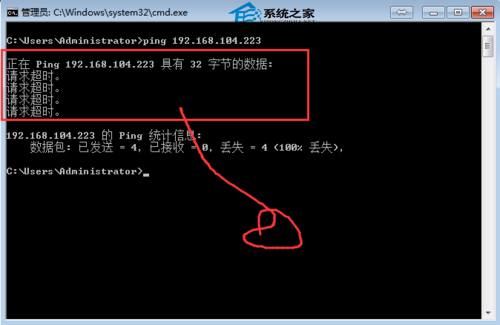
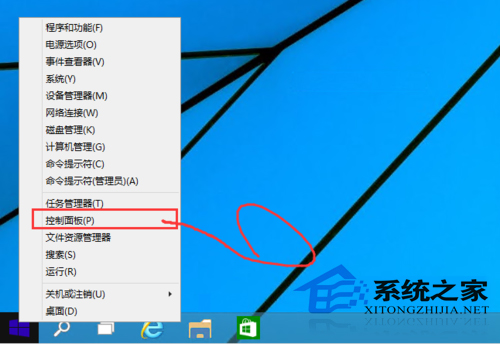
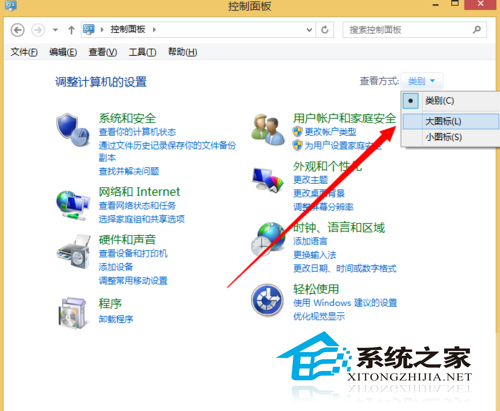
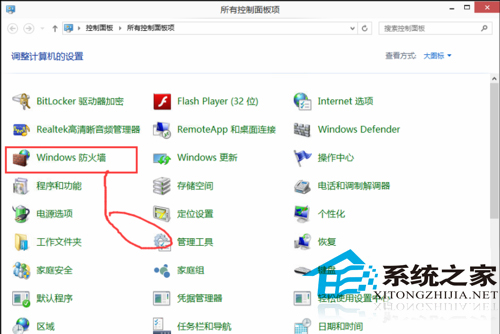
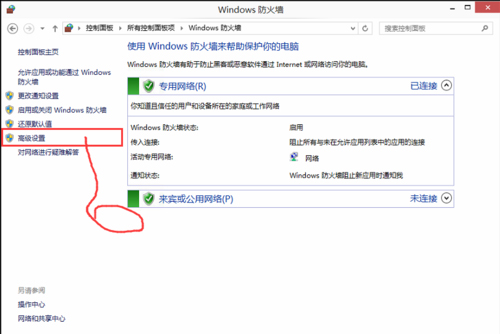
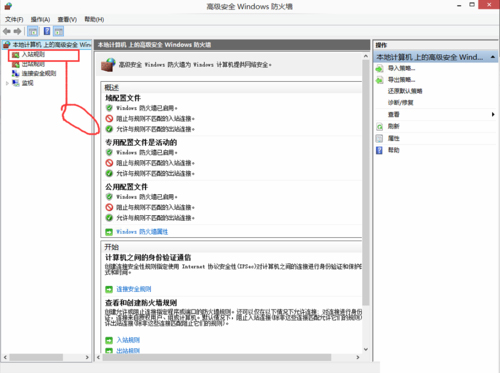
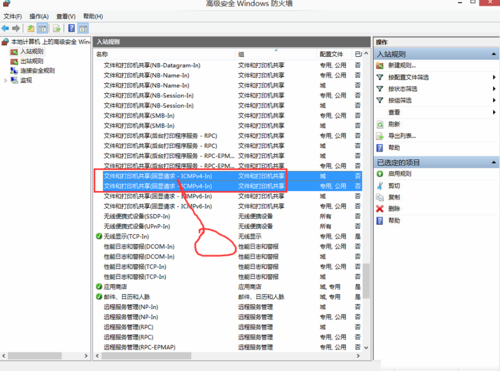
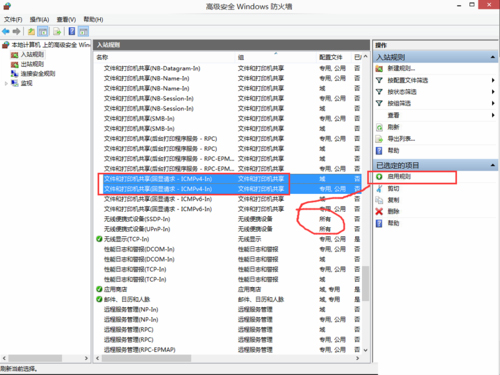
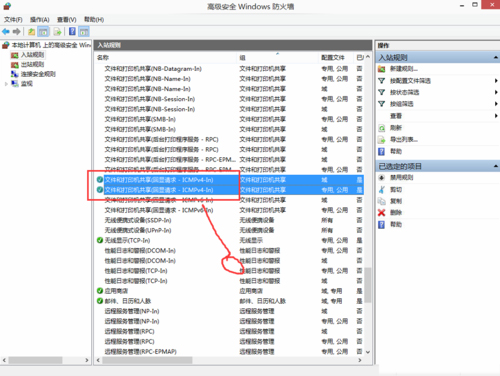
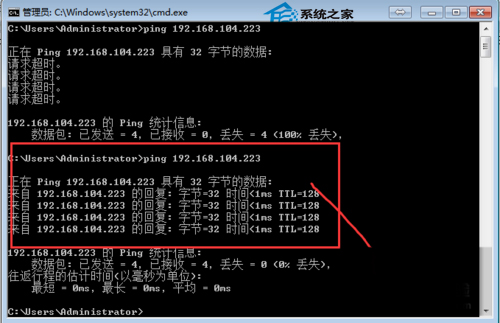
補充:Ping 為 Packet Internet Groper 縮寫,某些病毒會濫用 Ping 佔用頻寬,防火牆提供封鎖 Ping 入侵功能。
Win8 內建 Windows 防火牆完整設定指南:基礎規則、進階安全、PowerShell 控制,拒絕第三方霸王軟體
Win7 加裝記憶體後容量未增加解決:系統配置「最大記憶體」限制導致僅顯示 2GB 可用
Windows XP 如何徹底移除 GoogleUpdate.exe 背景程序?刪除排程任務即可根治
Win10 官方下載工具(Media Creation Tool)怎麼下載與使用?建立安裝媒體、ISO、直接升級完整教學
Windows 7 IE 瀏覽器版本過低無法開啟淘寶?透過 360 安全衛士一鍵升級 IE 解決