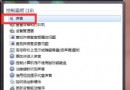
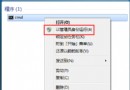
IE 桌面捷徑圖示看膩了?三步驟換新圖:
C:\Program Files\Internet Explorer\iexplore.exe(或 Program Files (x86))。.ico 檔 → 確定 → 套用。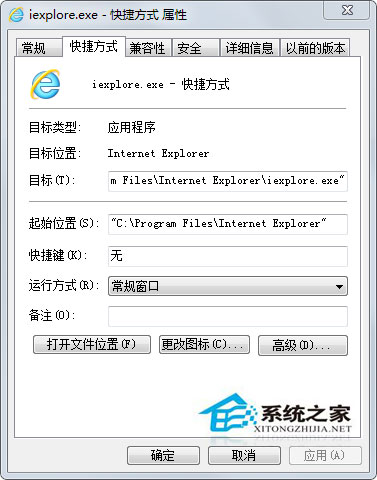
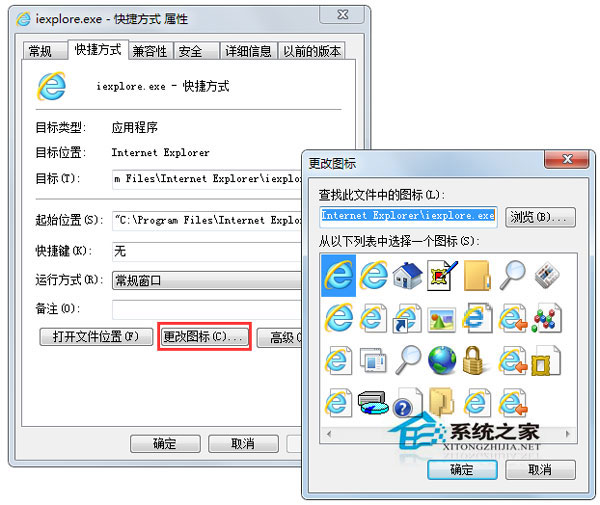
自訂圖示讓桌面更個性化,同樣適用於其他程式捷徑。
Win7 藍畫面 0x0000001E 解決:磁碟空間、驅動衝突、VGA 相容、BIOS 更新、最後正確配置
Win7 PowerPoint 簡報另存為影片 (MP4/WMV) 完整教學
Win7 執行 Android 應用/遊戲完整教學:Android SDK + AVD 模擬器建置指南
Win7 開網頁當機/死機?註冊表修復 .lnk 檔案關聯解決 IE 當機
Win7 系統如何更換 UC 瀏覽器皮膚?個性化介面完整教學
Win7 字體模糊不清怎麼辦?調整 ClearType 文字微調器恢復銳利顯示
Win7 玩《黑暗之魂 3》白屏無回應解決:路徑無中文、解壓工具、配置不足
Win7 啟動 ICS (Internet 連線共享) 服務失敗?啟用相依服務 Network Connections 與 Windows Firewall 即可解決