Windows 7 螢幕字體出現模糊、鋸齒,多半是 ClearType 文字微調設定異常或被關閉。透過內建的 ClearType 文字微調器重新校準,即可讓字體恢復銳利清晰。
操作步驟
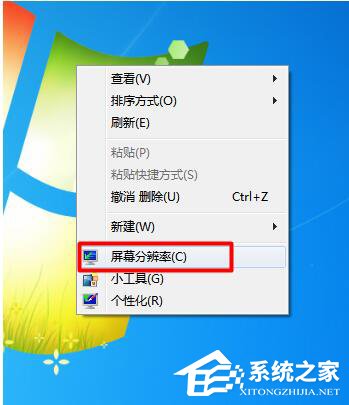
- 右鍵點擊桌面空白處 → 選擇「螢幕解析度」。
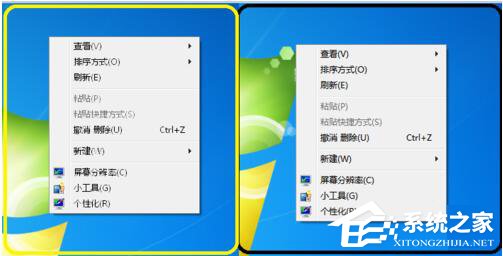
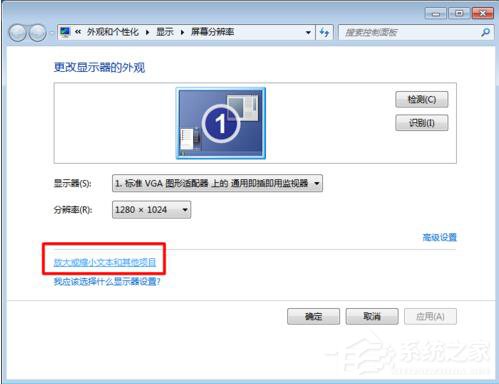
- 點擊「放大或縮小文字和其他項目」。
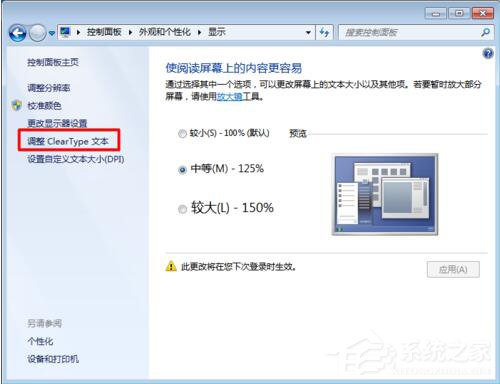
- 點選左側「調整 ClearType 文字」。
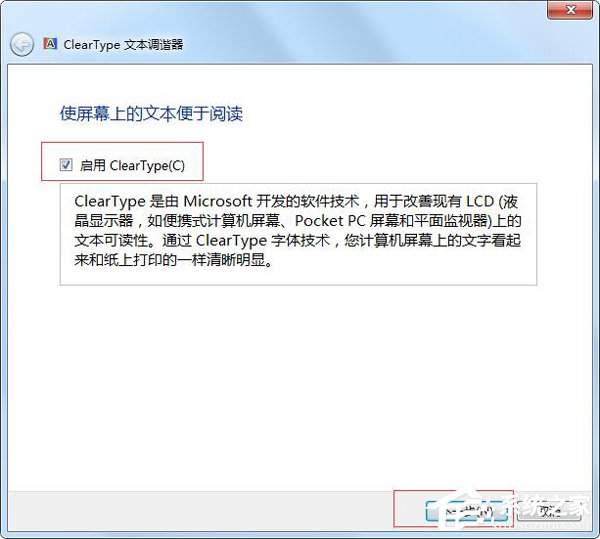
- 勾選「啟用 ClearType」→ 「下一步」。
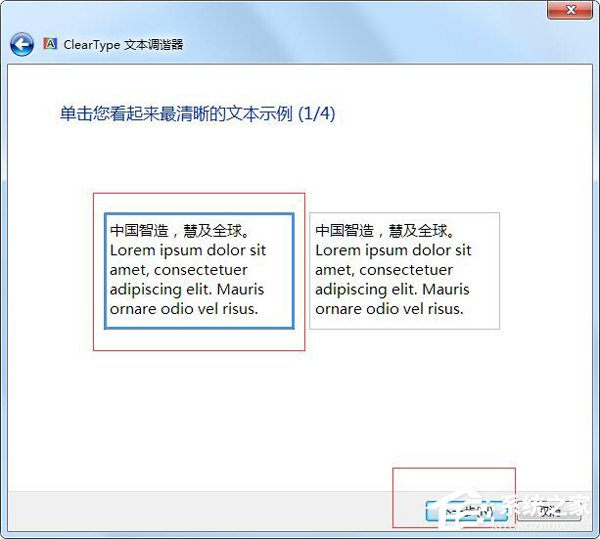
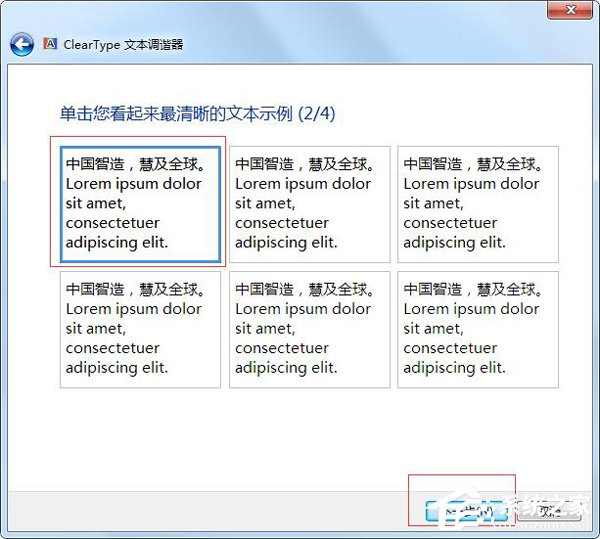
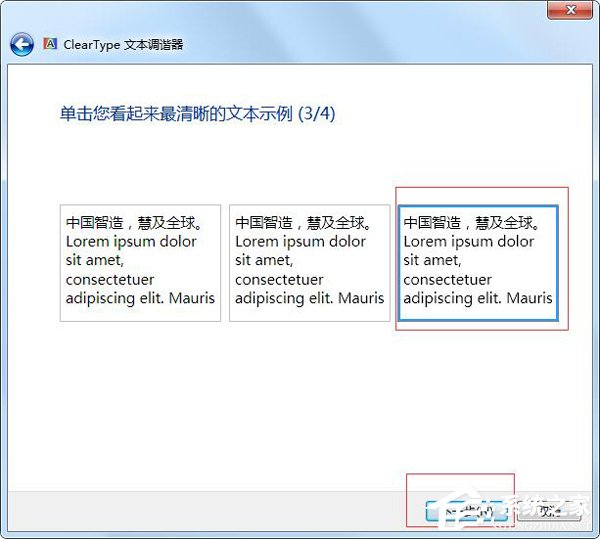
- 依照螢幕提示,連續點選您認為最清晰的文字範例(共 4-5 組)。
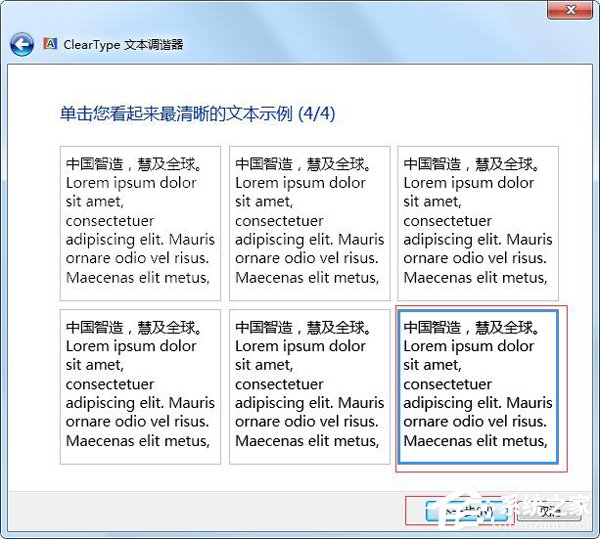
- 完成微調,點擊「完成」。
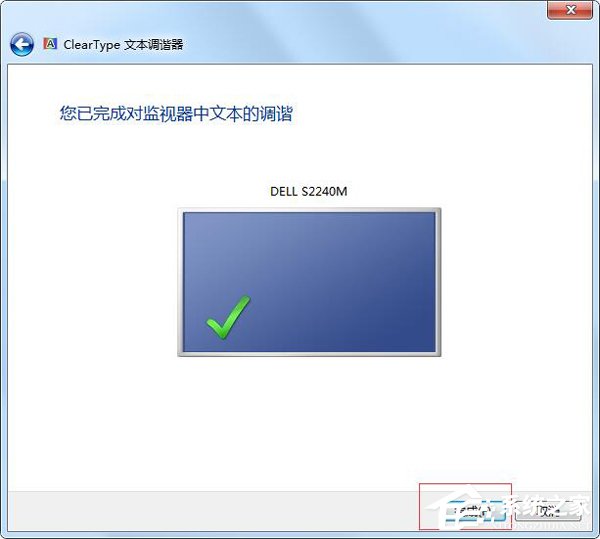
調整後字體邊緣應明顯銳利,若仍模糊請檢查螢幕解析度是否設為建議原生解析度,或更新顯示卡驅動程式。