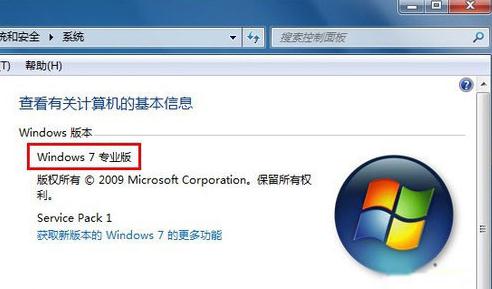
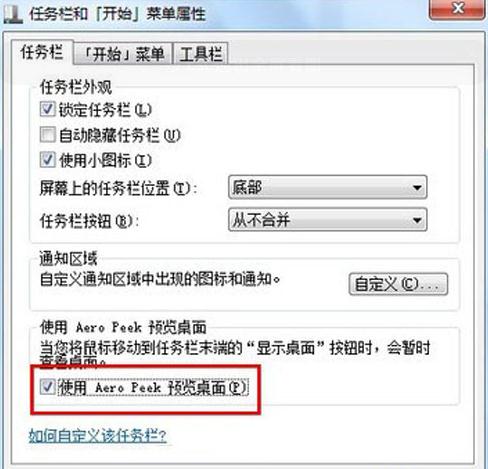
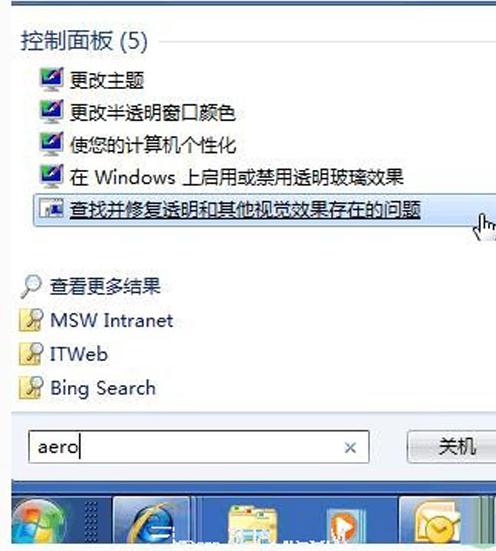
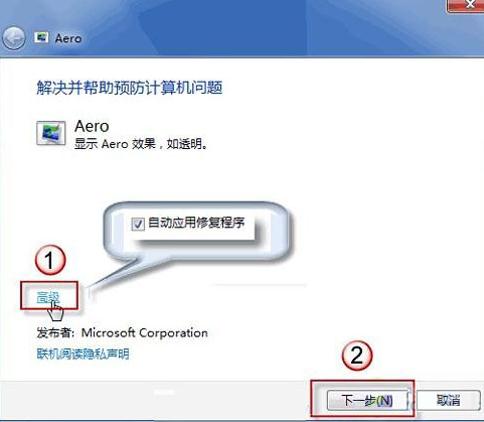
Aero
Win7 清除檔案總管搜尋框歷史記錄:群組原則一鍵關閉
Win7 任務列圖示置中設定教學:打造類 Mac 風格作業習慣
Win7 通知區域音量圖示消失?兩招找回小喇叭
Win7 桌面找不到 IE 圖示?五種方法找回 IE9/IE10/IE11 瀏覽器捷徑
Win7 退出網域環境恢復工作群組:系統屬性更改電腦名稱/網域
Win7 連接藍牙耳機完整教學:從配對到設定預設播放裝置
Windows 7 修改預設安裝路徑後系統程式無法執行解決:複製 Program Files 內容
Win7 64 位元與 32 位元 五大核心差異深度解析