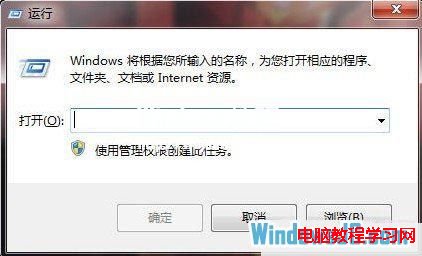
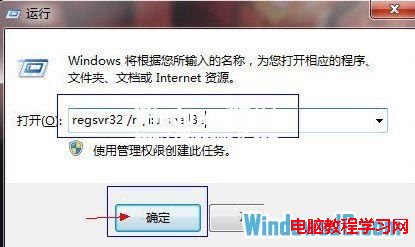
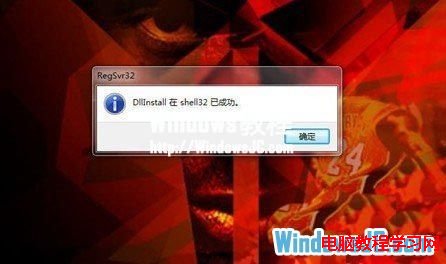
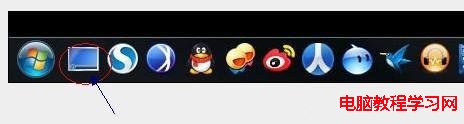
「顯示桌面」按鈕消失時,註冊 shell32.dll 即可恢復。
regsvr32 /n /i:u shell32
臨時替代方案:Win+D 一鍵最小化所有視窗。
Win7 進入安全模式三大法:開機 F8、開機 Ctrl、msconfig 設定安全開機
Win7 安裝三大法精簡版:光碟/USB/硬碟安裝核心步驟與注意事項(內容同 ID 13528 精簡版)
Windows 8 十大亮點:ARM 支援、應用商店、回應 Lion、平板優化、Windows To Go、SkyDrive 整合
Windows 7 五大常見故障與解決方案:DVD 音訊、MovieMaker、XP 模式等
四招解決 Windows 7 輸入法圖示消失、無法切換問題
USB 移動硬碟/隨身碟安裝 Windows 7 優勢與方法:速度快、分區靈活、免工具免刻錄
Windows 8 系統下安裝 Windows 7 雙系統完整圖文教學
Win7 開機 CPU 飆高?建議停用/手動三項服務:SSDP、UPnP、.NET NGEN