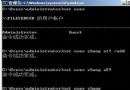
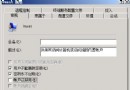
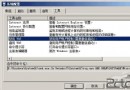
利用既有 Windows Server 2008 Web 伺服器,透過 IIS 7 新功能實現檔案共享,可分流或替代傳統檔案伺服器,提升效能與可用性。
使用「共用組態」將網站內容對應至檔案伺服器儲存體,多台 Web 伺服器共用同一組態與內容,無需修改程式碼。
D:\InternalSite,繫結保持預設 (Port 80)。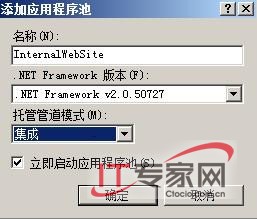
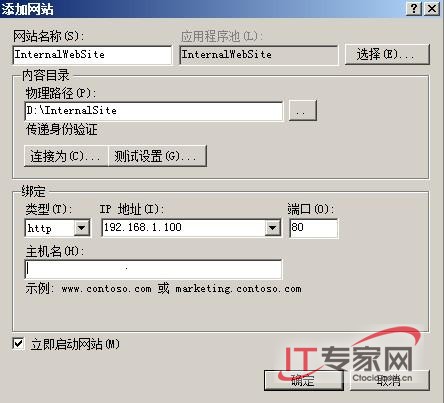
後續將介紹共用組態設定、權限控管與負載平衡進階配置。
Windows Server 2008 忘記密碼/破解密碼/清空密碼:安裝光碟修復模式 + MMC 本地使用者和群組實作
免光碟硬碟安裝 Windows Server 2008 圖文教學:從 ISO 解壓到 setup.exe 執行
停用 Windows Module Installer 服務 提升網路更新效能
Windows HPC Server 2008 背後的中國研發團隊:從外圍功能到核心組件的三年躍進
Windows Server 2008 R2 Active Directory 資料庫維護:NTDS.dit 壓縮整理與移動至專用磁碟 (ntdsutil 實戰)
使用 Windows Server 2008 WDS 部署客戶端作業系統
解決 Windows Server 2008 資源回收筒無法清空故障
Windows Server 2008 自助安全防禦:強制啟用 DEP、限制一般使用者上網、關閉自動執行、BIOS 密碼、稽核原則