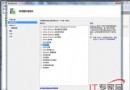
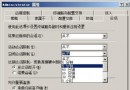
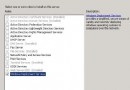
Windows Server 2008 新增的「Windows Module Installer」服務在線上更新時會自動啟動並佔用大量 CPU,拖慢網路效能。解決方法:
services.msc 開啟服務清單。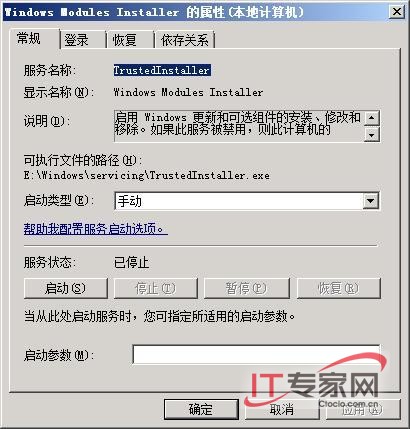
之後透過網路進行線上更新時,網路連線效能將不再受此服務影響。
Windows Server 2008 安裝後的常見設置技巧與優化經驗總結
調整系統服務 解決 Windows Server 2008 疑難雜症
Windows Server 2008 R2 新功能全覽:64 位元專屬、256 邏輯處理器、Hyper-V 即時遷移
微軟官網率先升級 Windows Server 2008 R2 Beta,IIS 7.5 新功能搶先看
IIS 7.5 在 Windows Server 2008 R2 的關鍵增強:FTP/WebDAV 內建、PowerShell 提供者、FastCGI 優化與最佳實務分析器
Windows Server 2008/2012 共享資料夾權限設定完整教學:原生功能與第三方工具進階管控