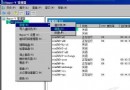
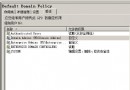
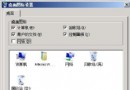
桌面資源回收筒顯示滿載,打開卻為空,執行「清空資源回收筒」仍跳出刪除確認提示。這通常源於磁碟分區錯誤或壞軌。修復步驟如下:
cd\
chkdsk /f
attrib c:\recycled -s -r -h
其餘分區同樣處理
recycled 資料夾屬性。recycled 資料夾內檔案;若仍無法刪除,嘗試執行磁碟重組工具整理分區。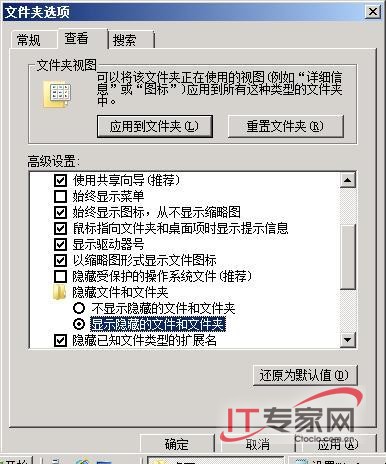
Windows Server 2008 R2 組策略統一域用戶桌面背景完整教程
Windows Server 2008 共享存取障礙全解析:從網路發現到防火牆設定
Windows Server 2008 網路流量監控與限制實戰:MMC 效能監視器部署指南
Windows Server 2008 離線檔案功能啟用與配置指南
透過 Windows Server 2008 防火牆封鎖迅雷下載埠
OpenStack 建立 Windows Server 2008 映像檔完整步驟:KVM/QEMU、VirtIO 驅動注入、VNC 安裝流程
掌握 Windows Server 2008 系統狀態變化:善用 sc query、wmic 與 fc 指令快速診斷故障