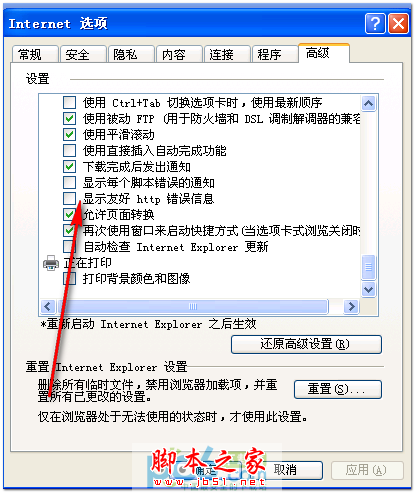
在區域網路佈署應用程式向來耗時費力,Windows Server 2008 引入的 TS RemoteApp 讓管理員只需在伺服器端完成部署,用戶端即可如同本地執行般呼叫伺服器應用程式,且不佔用客戶端資源。以下為部署實作步驟:
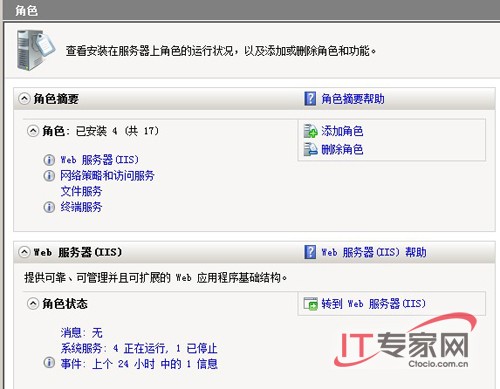
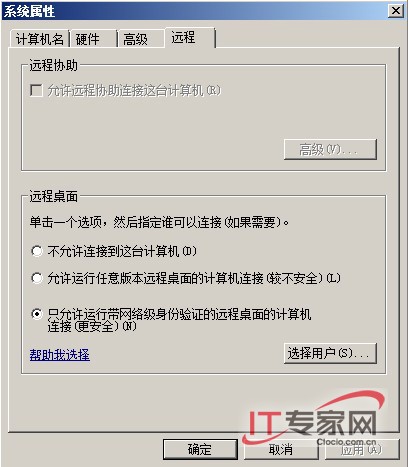
完成上述設定並重新啟動伺服器後,即可進一步發佈 RemoteApp 程式供用戶端使用。
Windows Server 2008 安全性日誌大量「稽核失敗」事件 ID 4624:偵測暴力破解嘗試與防火牆封鎖攻擊 IP
Windows Server 2008 IIS 7.5 移除目錄執行權限防範惡意腳本上傳:處理常式對應編輯功能權限
Windows Server 2008 R2 新功能全覽:64 位元專屬、256 邏輯處理器、Hyper-V 即時遷移
解決 Visual Studio 2008 在 Windows Server 2008 上安裝失敗 (衝突 Office 2007 相容套件)
Windows 授權管理工具 slmgr.vbs 完整參數詳解與 Volume Activation 2.0 部署實務
Windows Server 2008 驅動程式安裝失敗原因與解決:相容性檢查、UAC 阻擋、INF 手動安裝、數位簽章驗證
Windows Server 2008 實用設定技巧:IE ESC、無線網卡、無線服務啟用全攻略
掌握 Windows Server 2008 系統狀態變化:善用 sc query、wmic 與 fc 指令快速診斷故障