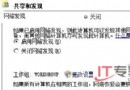
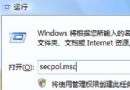
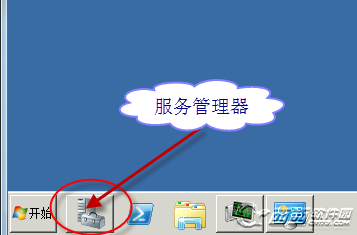
從安裝到上線,打造安全的 Windows Server 2008 平台需從六個面向著手:
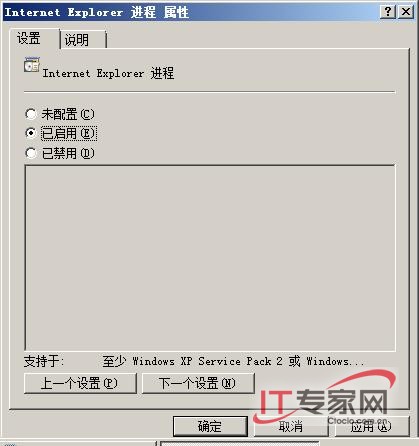
包含:最小權限原則應用、防火牆進階規則、弱點掃描與修補管理、實體與環境安全控制。詳細內容請見後續章節。
Windows Server 2008 四大效能優化技巧:安全、網路、磁碟、啟動全面提升
Windows Server 2008 安全性日誌大量「稽核失敗」事件 ID 4624:偵測暴力破解嘗試與防火牆封鎖攻擊 IP
Windows Server 2008 裝置驅動程式安裝完整圖文教學
Windows Server 2008 忘記密碼/破解密碼/清空密碼:安裝光碟修復模式 + MMC 本地使用者和群組實作
Windows Server 2008 命令列磁碟管理:Diskpart 指令、腳本自動化、Server Core 環境部署實戰
微軟確認 Windows Server 2008 R2 正式上市日期:2009/10/22