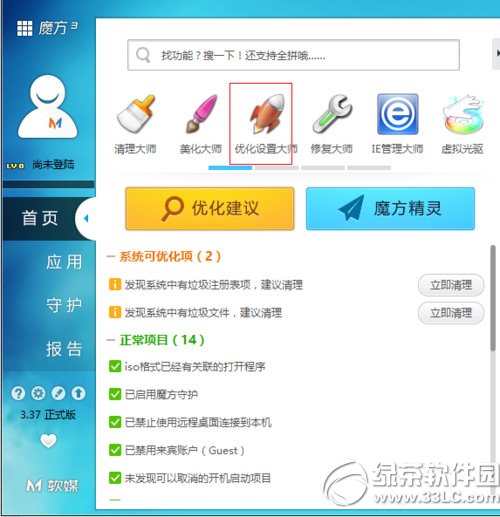
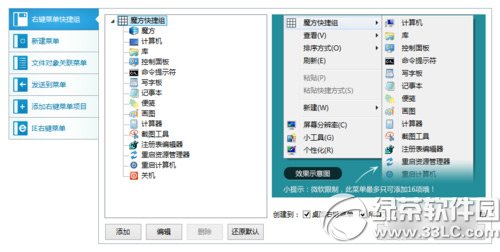
魔方優化大師(v6.1.9.0)提供圖形化介面修改右鍵選單,無需手動編輯登錄檔。
操作直觀簡單,適合不熟悉登錄檔編輯的一般使用者。
Windows 10 週年更新官方多國語言包下載:支援 106 國語言、32/64 位元、各版本通用
Windows 10 小娜 (Cortana) 語音助理啟用教學:設定語言與區域為美國
Win10 登錄備份與還原完整教學,修改前必備技能
True Launch Bar:強化 Windows 快速啟動欄,支援分組、自訂圖示與拖放管理
Win10 升級後 PS/2 滑鼠鍵盤無法使用?一條註冊表指令快速修復
Win8.1 安裝 3 月更新後頻繁假死?官方建議:移除英文輸入法或解除安裝 KB3033889
Windows 8 設定開機自動登入(免輸入密碼)完整教學
Win10 指紋識別無法設定、提示「關閉 Windows Hello」?官方相容機型清單與解決方案