Win10 刪除資料夾提示「正在使用」,系統自帶刪除無效。可用安全軟體(如騰訊電腦管家)的「檔案粉碎」功能強制刪除。
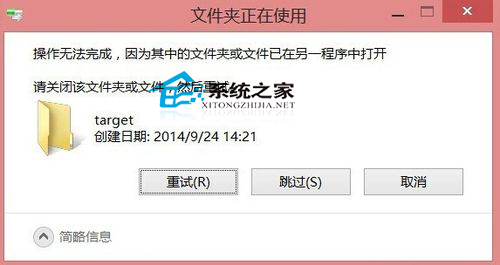
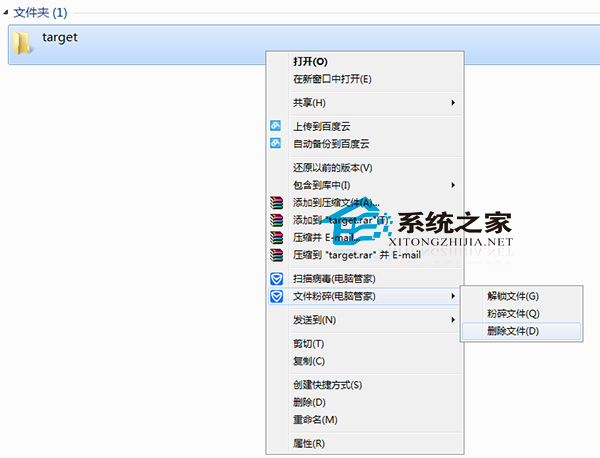
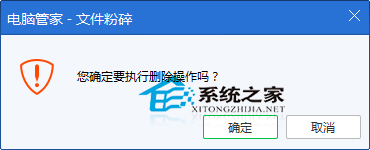
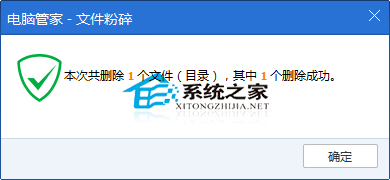
粉碎機制可釋放被鎖定的檔案控制代碼,徹底清除頑固資料。請謹慎操作,資料不可復原。
Win8/Win8.1 右鍵選單新增 Windows Defender 掃描功能
無光碟機如何重裝 Win7:一鍵還原與 ISO 硬碟/USB 安裝完整指南
解決「Unable to find a version of the runtime to run this application」錯誤:安裝正確 .NET Framework 版本
Ghost 重灌後報錯「Error loading operating system」:重建 MBR 或設定作用中分區
Windows XP 光碟機無法自動播放?群組原則/登錄檔雙重解法啟用 AutoRun
Win7 設定螢幕重新整理率完整教學:解決畫面抖動、模糊問題