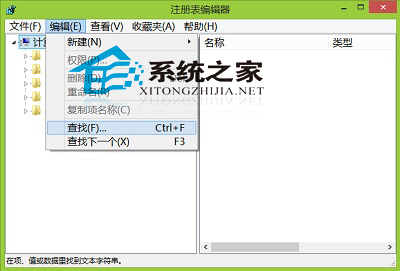
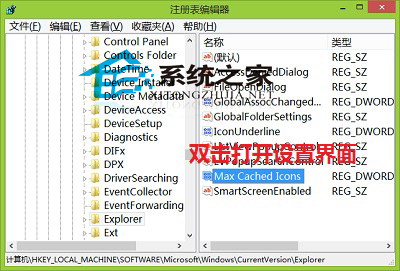
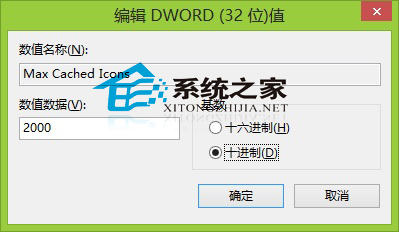
Win8 圖示快取預設 2000 KB,若桌面圖示多、頻繁變更,可擴大快取減少重繪延遲。
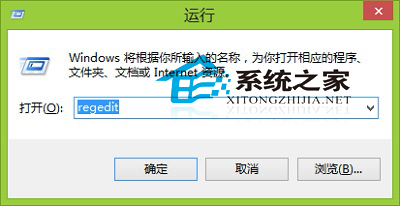
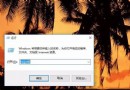
regedit
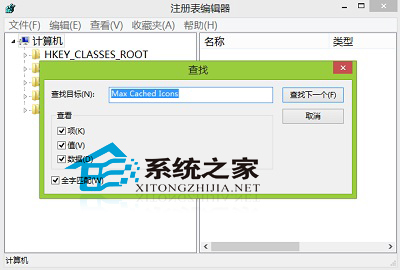
Max Cached Icons
提示:若需清除圖示快取,可參考《Win8 使用批次檔刪除快取檔案》。
Win10 版本號查詢完整指南:五大方法快速掌握精確建置編號
擔心 Win10 升級 C 槽空間不足?微軟神招:USB/外接硬碟當暫存
WinXP 無法搜尋無線網路訊號五大解決方案
WinXP 設定自動休眠省電,筆電續航力加倍
Win8 用「魔方美化大師」或登錄檔在桌面建立 IE 圖示
Windows Phone 8.1 螢幕截圖快速鍵:電源鍵 + 音量上鍵
微軟發布《Win10 快速鍵大全》官方文件:含全部桌面版快捷鍵功能介紹與下載
微軟 Win10 免費升級倒數:7/29 截止,升級提示改全螢幕強勢彈出