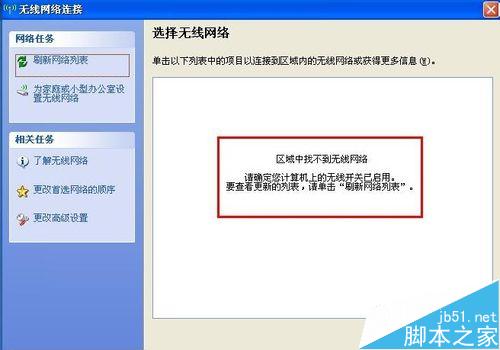
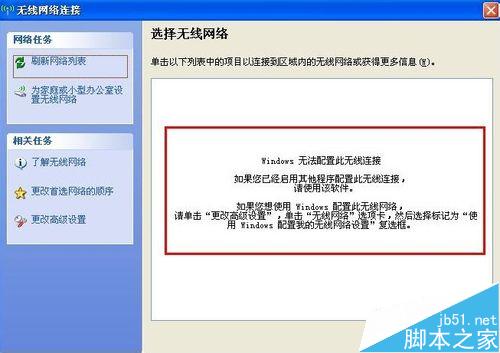
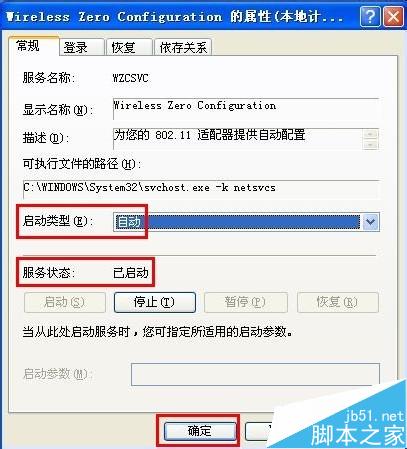
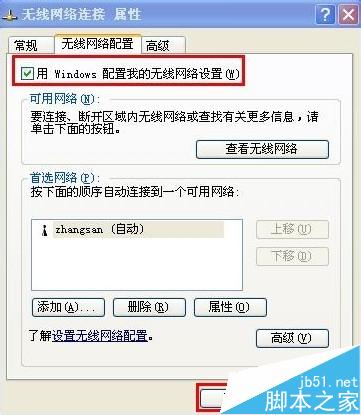
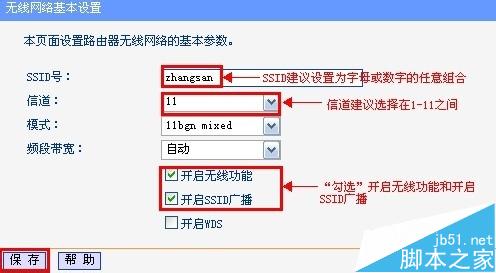
WinXP 搜尋不到無線訊號?依序排查:
逐步排查通常能找出問題根源。
Win10 Build 9926 純淨安裝教學:進階模式完整選項、i7+8G 僅需 8 分鐘
Win 10 如何開啟桌面預覽 (Aero Peek)?任務列設定一鍵啟用
Windows 7 設定靜態 IP 位址:圖形介面與命令列 (netsh) 雙重教學
Win10 如何將 Edge 設為預設瀏覽器 圖文教學
Win8 系統找不到 Administrator 管理員帳號?指令啟用內建管理員
Win8 取得超級管理員權限(TrustedInstaller 權限):匯入 .reg 檔新增右鍵「管理員權限/恢復原始權限」選單
Windows 提示「RPC 服務意外終止,系統即將關機」?兩種解法:重新註冊 IE 組件、修改 RPC 服務復原設定
VMware Workstation 宿主機與 Linux 虛擬機共享資料夾完整設定教學