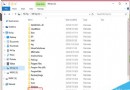
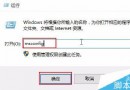
盜版 Windows 系統常因更新機制異常導致關機/開機卡在「正在配置更新」、「更新失敗還原變更」等畫面,嚴重影響使用。對盜版而言,Windows Update 不僅無益反害,建議徹底禁用。
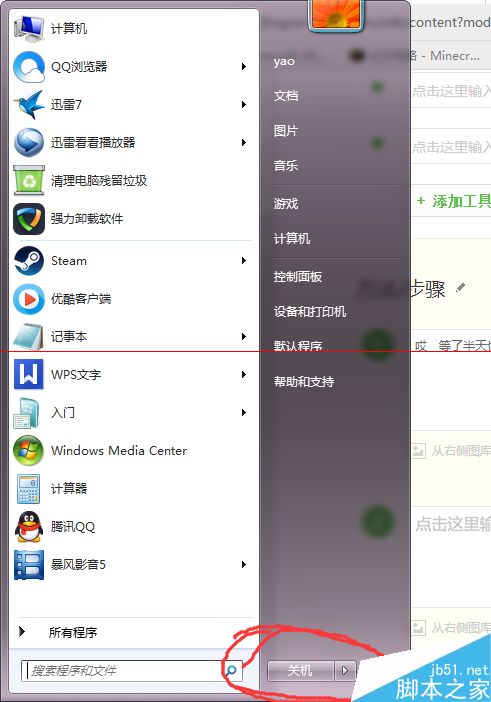
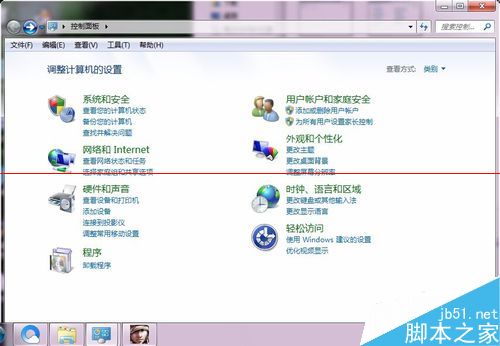
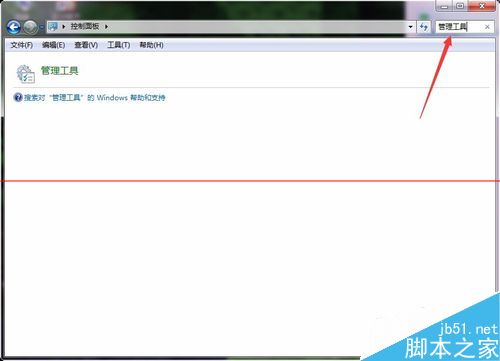
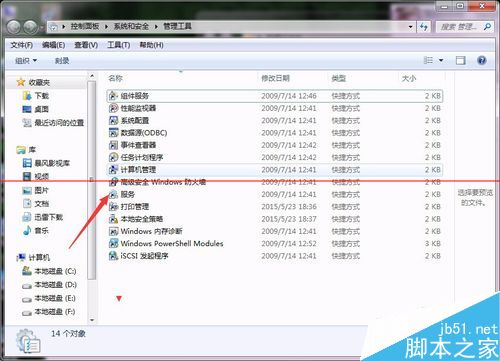
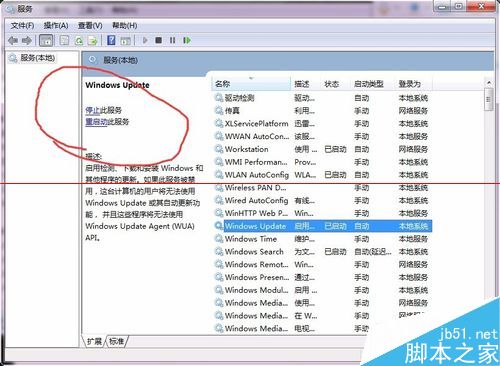
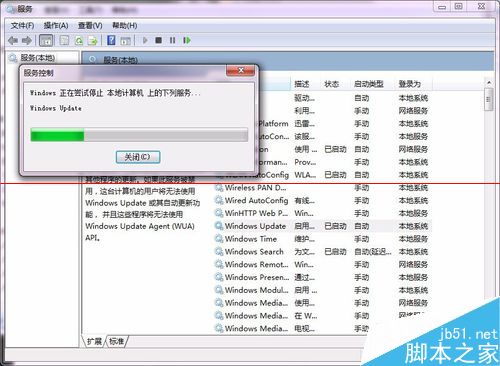
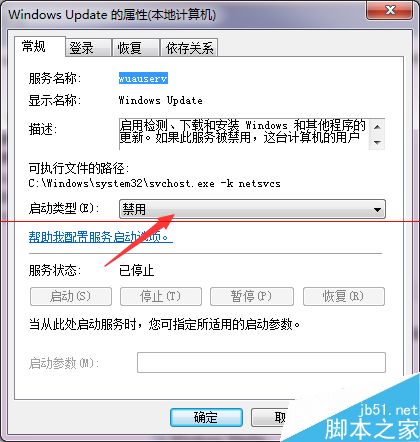
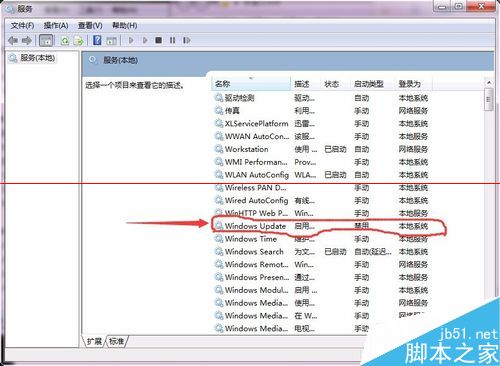
完成後系統托盤可能顯示警告圖示,可忽略不理。正版用戶請勿參考此法,保持更新以確保安全。
Win7 瀏覽網頁提示「只顯示安全內容」?調整 IE 安全性設定解決
《憤怒鳥 2》確定不登陸 Win10 也不含 Win10 Mobile
Win8 桌面圖示模糊不清?DPI 縮放設定 100% 瞬間恢復銳利
Win10 任務列 Cortana 找不到「顯示搜尋框」?關閉小圖標模式即可恢復
Windows 7 筆電將驅動程式自動安裝改為手動模式:裝置安裝設定勾選「絕不從 Windows Update 安裝驅動程式」
Windows 7 筆電建立虛擬 Wi-Fi 熱點 (軟體 AP) 共享有線網路:netsh wlan hostednetwork 完整指令教學