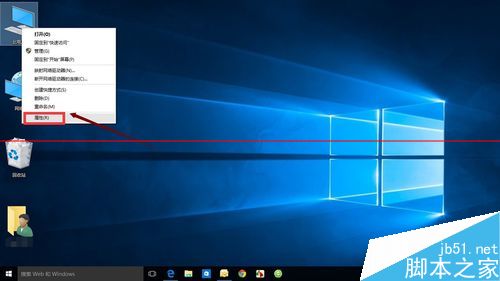
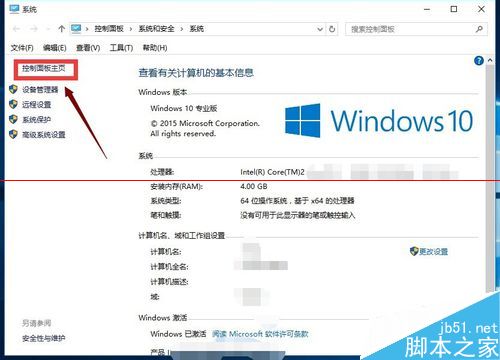
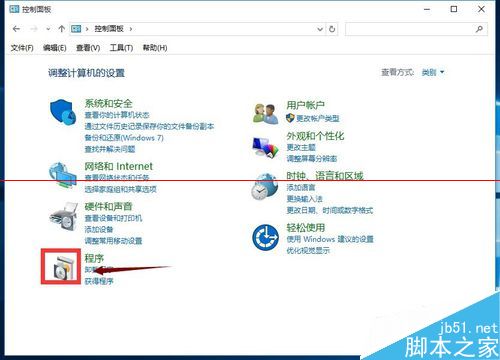
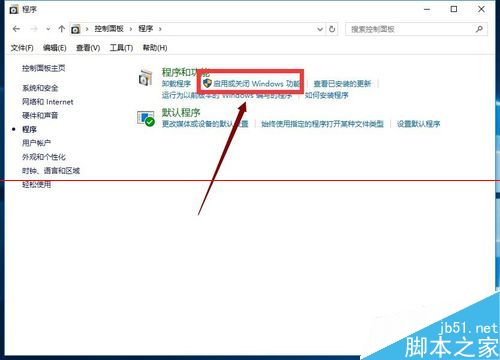
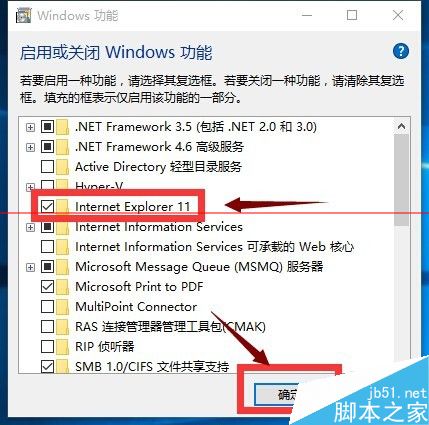
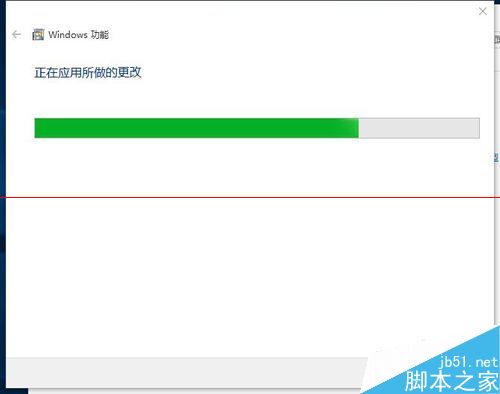
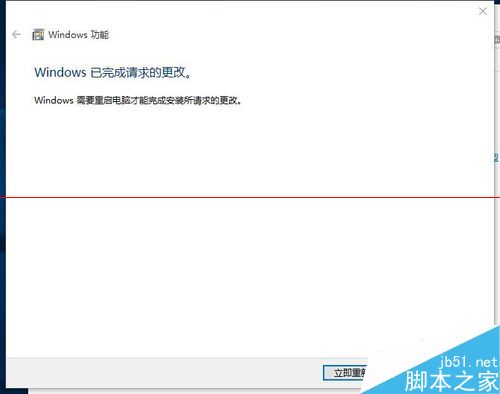
Win10 啟用新版 Edge 瀏覽器,但許多網銀仍須用 IE。教你如何找回 Win10 的 IE 瀏覽器。
WPS 簡報插入動作按鈕教學:超連結切換投影片、開啟程式與網頁
Win 10 升級後開機慢顯示錯誤 0xC0000001 解決法:重裝電源驅動程式
Win7 設定聲音「勿擾模式」:通訊偵測時自動降低影音音量
Win10 使用「檔案歷程記錄」將檔案備份到小米路由器(網路磁碟)教學
Win8.1 如何移除內建 App?圖文教學輕鬆卸載預設應用程式
Win7 手動變更檔案關聯預設開啟程式:預設程式控制台精確指定副檔名對應
Win10 如何移除檔案總管中的 OneDrive 圖示?修改登錄徹底隱藏
Windows 8 內建系統還原/重設電腦完整實測:取代 Ghost 的新選擇?