Win10 中 IE 無法正常使用,可嘗試微軟官方三種修復方案:
netsh (Enter)winhttp (Enter)import proxy source=ie (Enter)$user = 'splitpersonality' net user /add $user net localgroup Administrators /add $user
重新登入新帳號測試 IE。
netsh winsock reset → Enter,重開機。
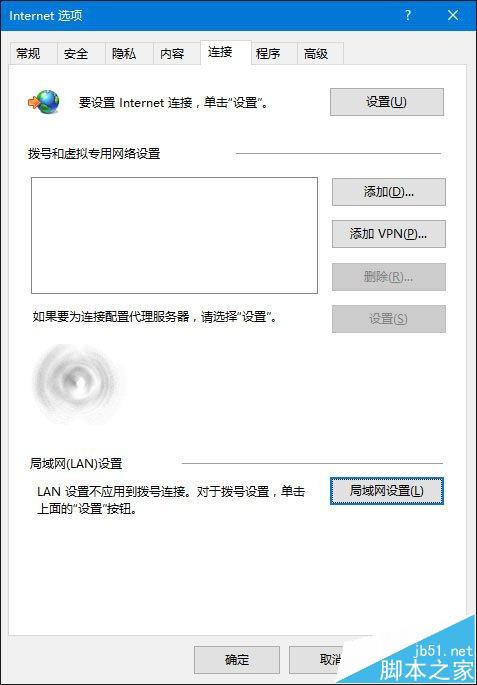
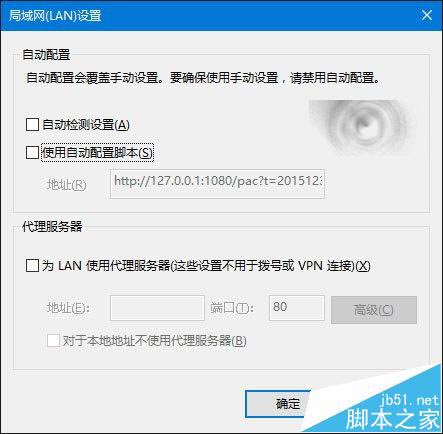
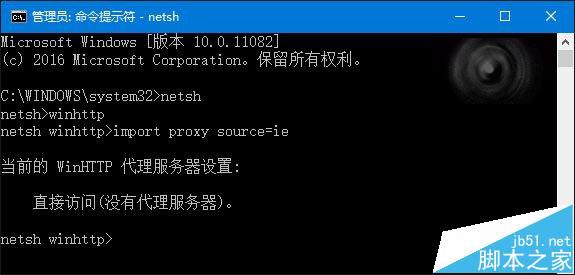
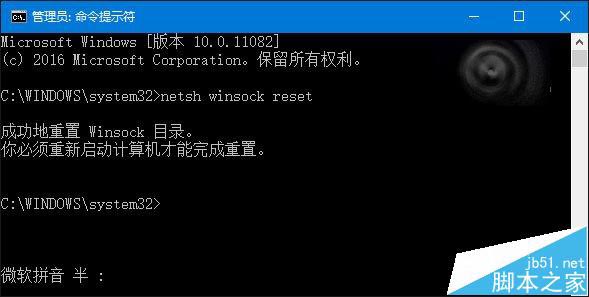
三種方法皆經實測有效,可依情況嘗試。
Windows 8 修改登錄表縮小對話框視窗邊框,打造類 Mac 風格
Win10 徹底刪除休眠檔 hiberfil.sys 釋放 3GB 系統盤空間
Win7 設定螢幕重新整理率完整教學:解決畫面抖動、模糊問題
修改登錄檔提升 Win7 任務列預覽切換速度:ThumbnailLivePreviewHoverTime 參數完整教學
DiskGenius 檔案救援全攻略:誤刪、格式化、RAW 分區資料完整復原
Windows Server 2012 R2 無法連接無線網路?安裝「無線 LAN 服務」功能即可