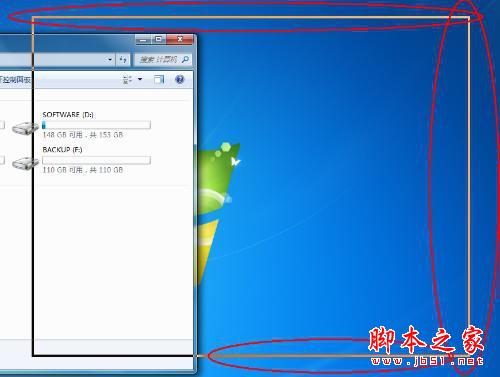
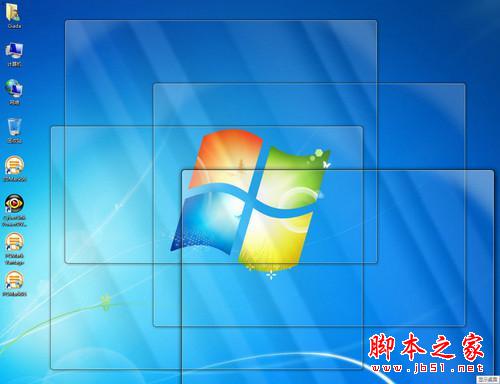
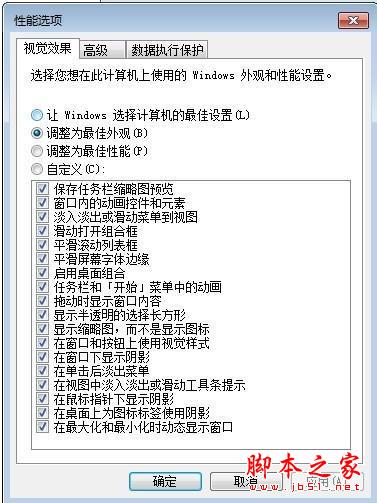
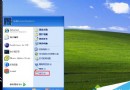
Win7 預設開啟 Aero 特效,導致拖動視窗時僅顯示邊框,內容消失直到釋放滑鼠。若習慣舊版拖動體驗,可透過系統設定關閉此動畫效果。
操作步驟:
此設定即時生效,無需重新開機,讓操作體驗更符合直覺習慣。
Win7/Win8.1 徹底阻止 Win10 升級文件下載:卸載補丁+隱藏更新雙保險
Windows 下硬碟日常維護 9 大守則:斷電、灰塵、震動、濕氣、磁場、病毒、分區、碎片整理、備份分區表
微軟強推 Win10 升級新招:將「建議升級」改為「排程安裝推薦更新」,點擊關閉鍵視同同意
Win7 開啟 Windows PowerShell 兩大法:開始搜尋法與附屬應用程式法
Windows 10 修改工作列「檔案總探索器」預設開啟位置:自訂快捷方式教學
Win7 如何設定定時自動關機?建立捷徑與指令一鍵排程
Win7 IE 關閉「非預設瀏覽器」提示:Internet 選項程式設定一鍵停用
Windows 10 一鍵啟動工具兩大推薦:KMSpico 與 HEU KMS Activator 使用教學