全新安裝的 Windows Server 2012 R2,無線網卡驅動正常但無法連接 Wi-Fi。原因:Server 核心版預設未安裝無線網路服務。
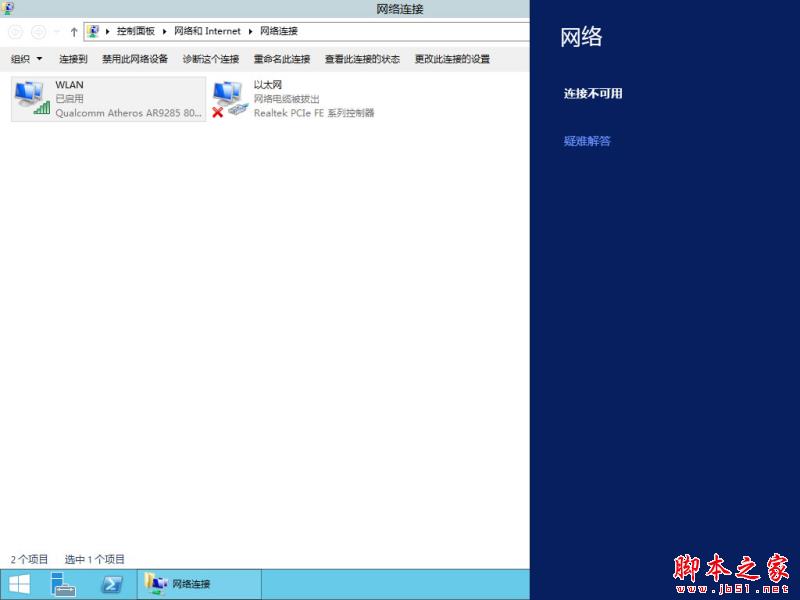
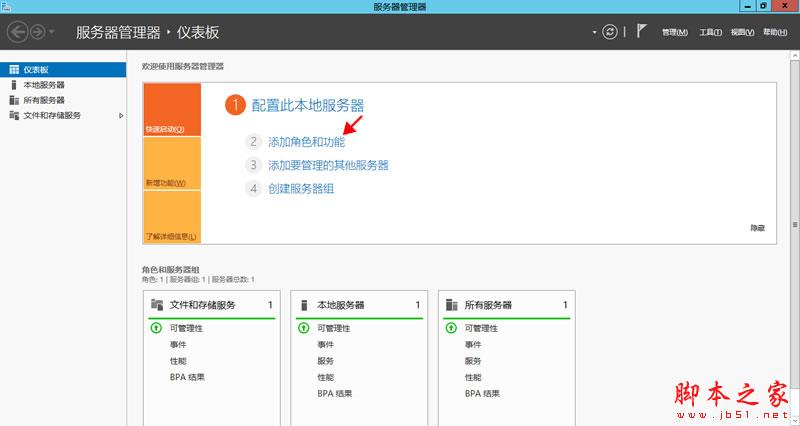
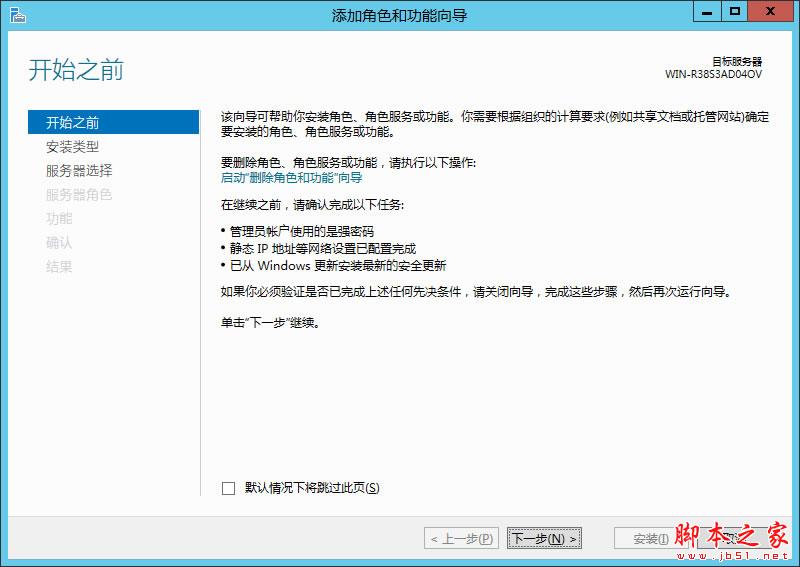
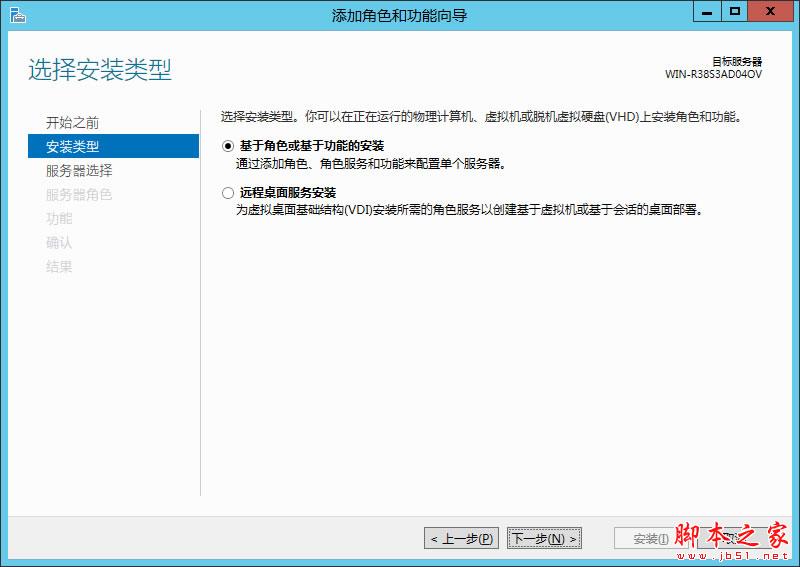
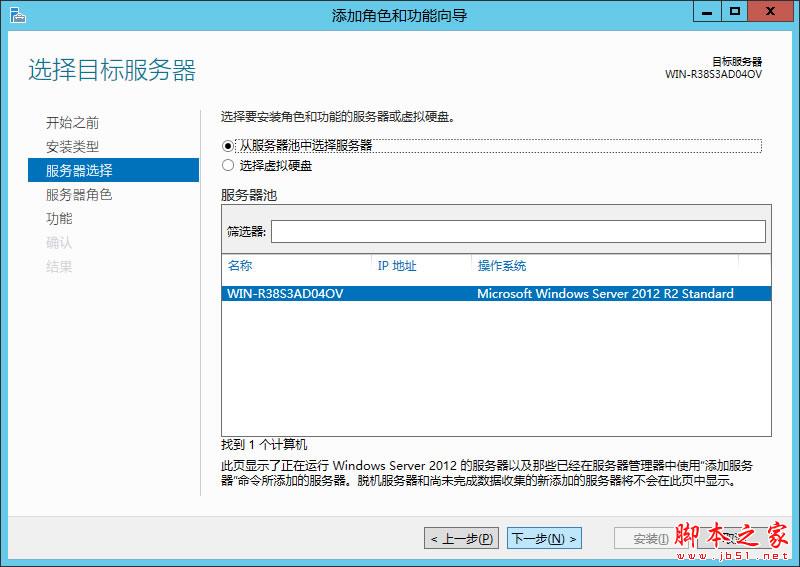
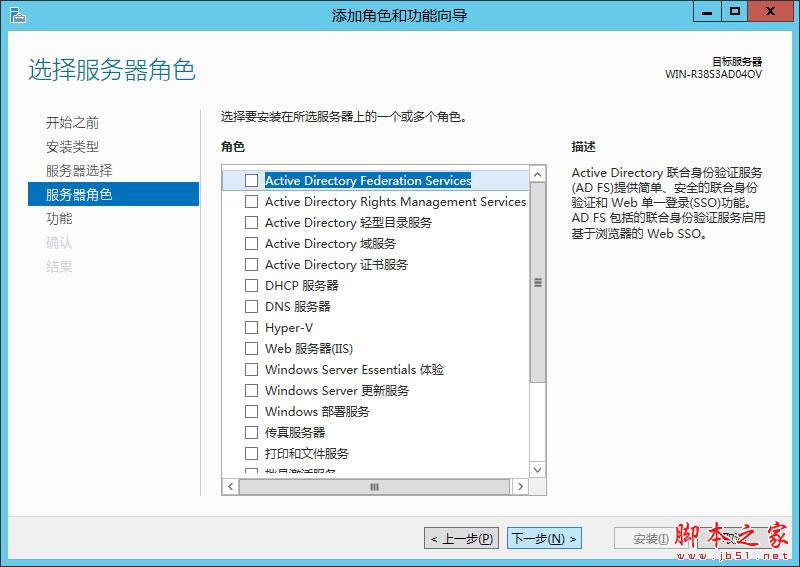
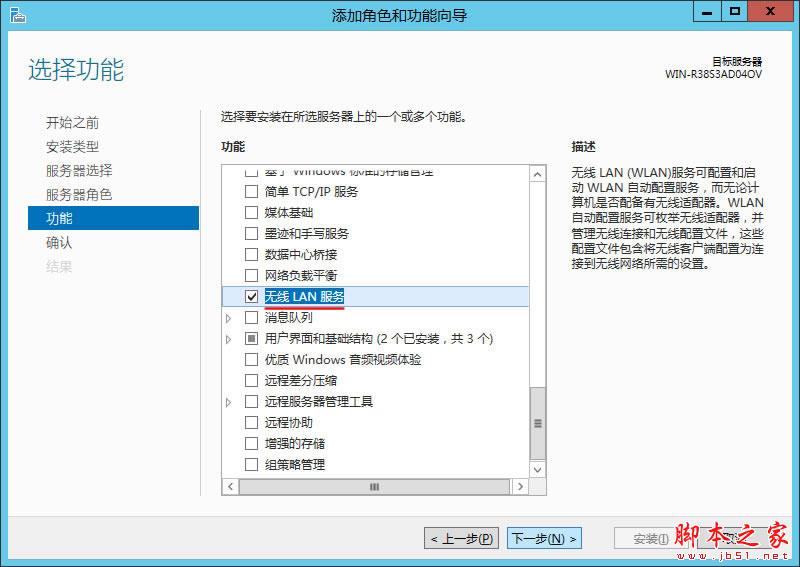
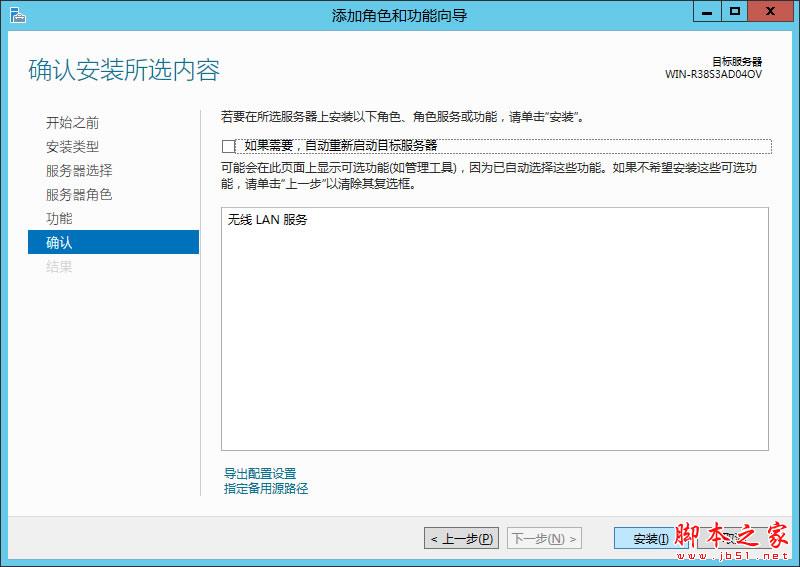
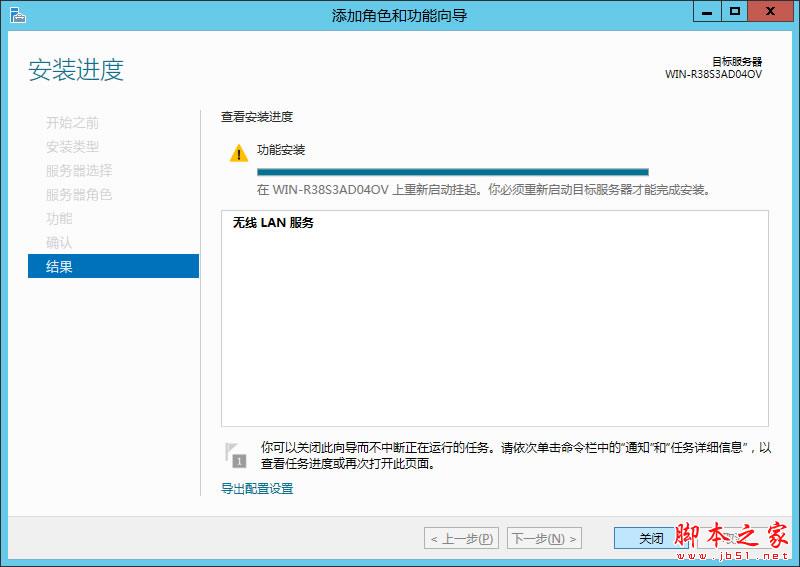
補充: 若重開機仍無法連線,嘗試在裝置管理員「解除安裝」無線網卡驅動,再重開機讓系統自動重裝驅動。
XP 無法存取 Windows 7 共享資料夾?完整解決方案與設定步驟
Win7 執行 .bat 批次檔顯示亂碼?另存新檔選 ANSI 編碼一秒修復
Windows 10 10240 安全更新 KB3074667:修復 OpenType 字體驅動遠端執行碼漏洞
Win10 跳出「無法驗證發行者」阻擋軟體?修改登錄檔 LowRiskFileTypes 解除攔截
Win10 如何安裝 HP M1213nf 網路印表機?手動指定驅動程式與 TCP/IP 連接教學
Windows 10 自訂主題色彩:透過登錄檔設定任意 ABGR 色碼