執行特定檔案類型(.exe、.zip、.bat 等)時彈出「無法驗證發行者」警告,可透過登錄檔新增 LowRiskFileTypes 字串值解除攔截(需先備份登錄檔)。
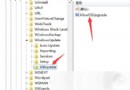
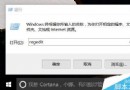
regedit 開啟登錄編輯器。HKEY_CURRENT_USER\Software\Microsoft\Windows\CurrentVersion\Policies\Associations(若無 Associations 需手動新增)。.zip;.rar;.nfo;.txt;.exe;.bat;.vbs;.com;.cmd;.reg;.msi;.htm;.html;.gif;.bmp;.jpg;.avi;.mpg;.mpeg;.mov;.mp3;.m3u;.wav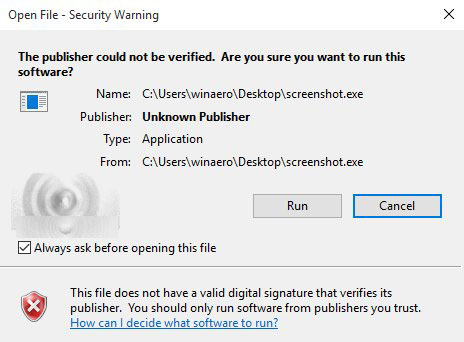
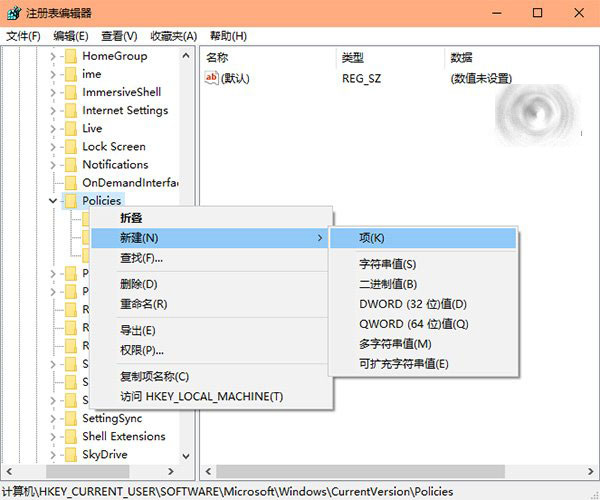
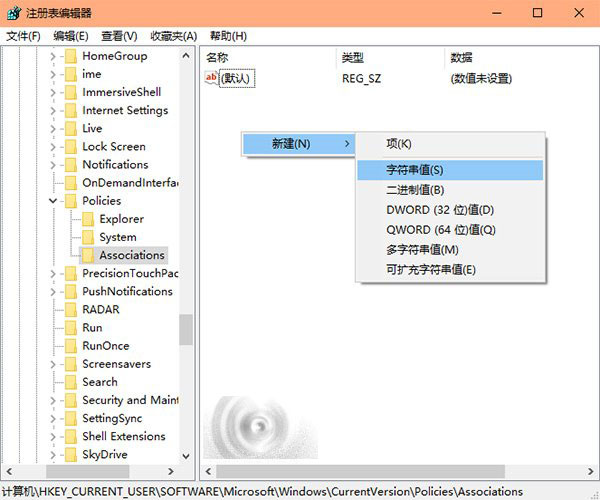
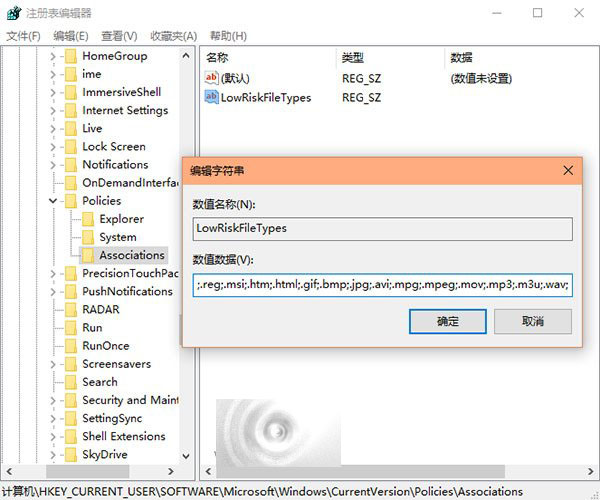
警告: 此舉會降低安全防護,請確認檔案來源可信後再操作。
善用 Win10 內建 3D Builder 修復非水密實體 STL 模型,免安裝 Netfabb 也能輕鬆搞定
Win7 破解 4GB 内存限制 & 去除“测试模式”水印双法:ReadyFor4GB 工具法 & 注册表法
虛擬光碟機掛載 Win7/XP ISO 安裝系統完整流程(PE 環境)
免費升級 Win10 新管道:金山毒霸成為微軟升級推廣合作夥伴
Win10 ISO 整合語言包教學 (Build 10134 版):DISM 離線服務映像完整步驟
Win7 右下角彈出廣告怎麼辦?修復 DNS 與設定自動取得 DNS 解決