快速查看 Windows 系統已安裝的所有更新補丁 (Hotfix),無需逐一在控制台檢視。
cmd 開啟命令提示字元。systeminfo 按 Enter。
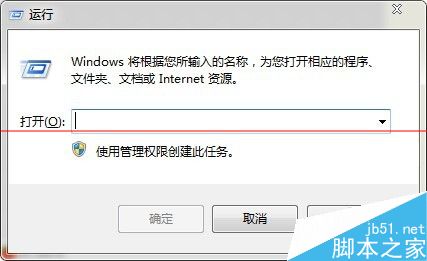
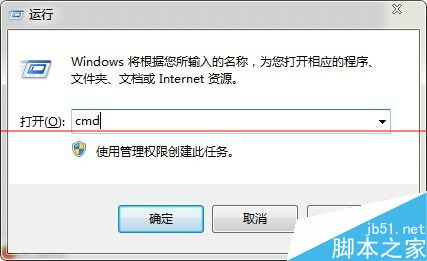
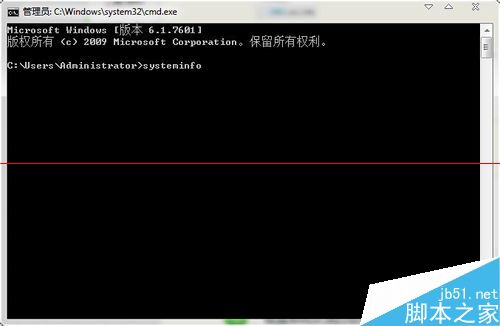
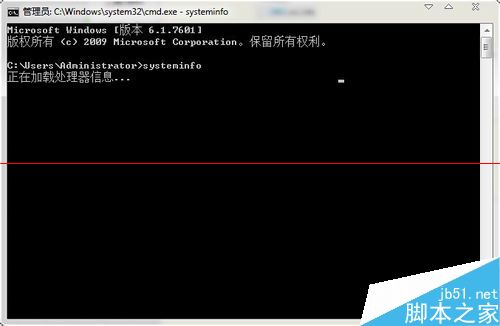
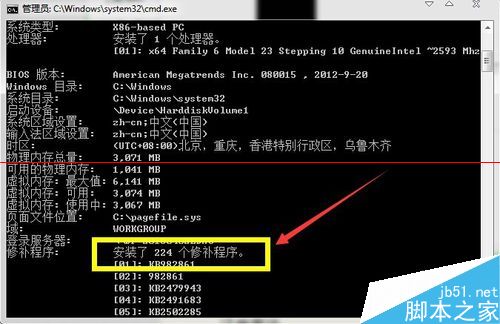
指令拼寫需正確,大小寫不敏感。
Win10 Build 10061 自製中文版 ISO 映像下載(由官方 ESD 轉製)
Win10 10525 無法啟動官方解決方案:必須在已啟動 10240 的裝置上安裝
Win8.1 執行應用程式跳出 0xc000007b 錯誤?DirectX 修復工具一鍵搞定
Win8 Modern 應用程式閃退/無法開啟?系統檔案修復 + 帳號修復完整教學
Windows 10 取消開機登入密碼兩大法圖文教學:netplwiz 與來賓帳戶法
Win10 關機後自動開機?禁用 UpdateOrchestrator\Reboot 喚醒任務徹底根治