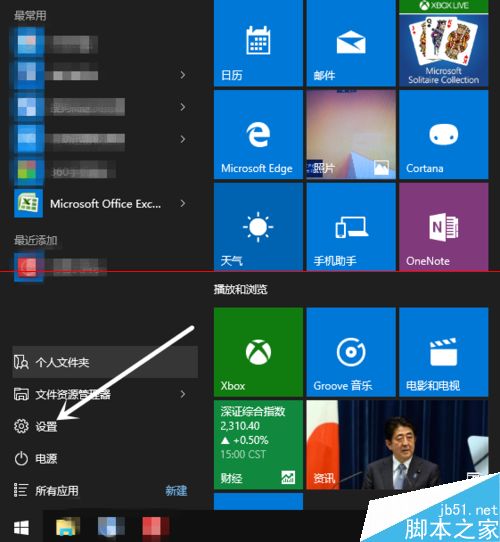
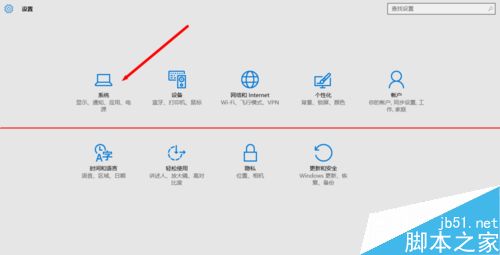
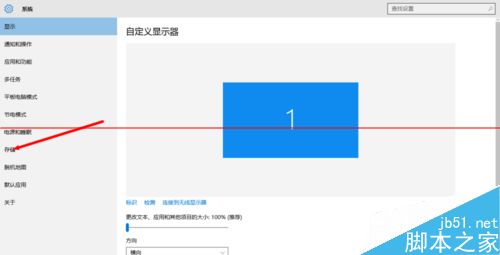
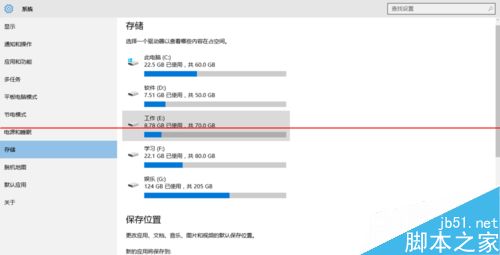
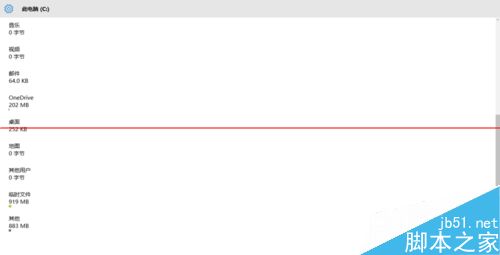
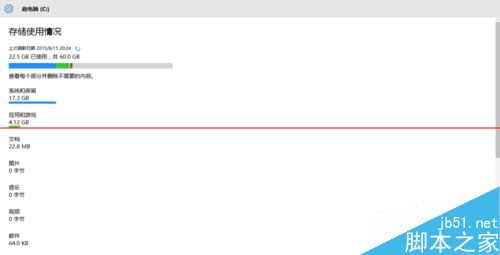
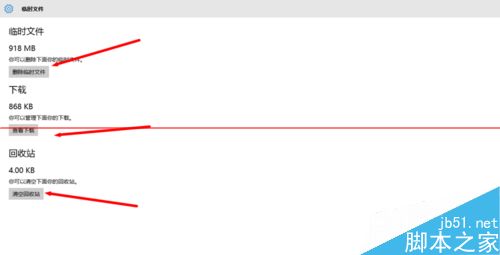
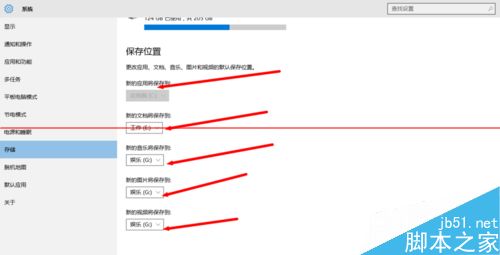
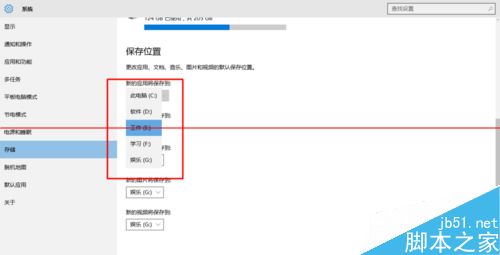
升級 Win10 後不知不覺 C 盤空間暴減?Win10 內建儲存管理功能可幫助調整預設儲存位置,緩解 C 盤壓力。
Win10 Continuum 模式影片示範:平板/筆電無縫切換
Win7 畫面顯示優化設定:高對比度、放大鏡、文字縮放、動畫關閉全攻略
Windows 8 硬碟安裝完整圖文教學:從 ISO 掛載到桌面全過程
Win8.1 圖片資料夾顯示並依解析度排序
Win10 TH2 設定 App 搜尋失效?重建 LocalState 索引徹底修復
Win10 RS2 Build 14926 多國語言包官方下載彙總 (32/64 位) 含中文簡繁/英文/日文/韓文等
Win10 TH2 更新下載安裝卡頓/失敗?重置 Windows Update 服務徹底解決
Win10 Insider 10565 去除捷徑小箭頭:用魔方美化大師一鍵搞定