Win10 TH2 設定 App 內建搜尋功能若失效(輸入關鍵字無結果),可透過重建 LocalState 資料夾索引修復。
詳細修復步驟
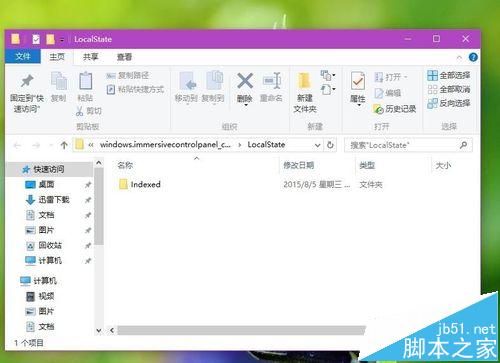
- Win+R 輸入
%LocalAppData%\Packages\windows.immersivecontrolpanel_cw5n1h2txyewy\LocalState 開啟資料夾。
- 右鍵
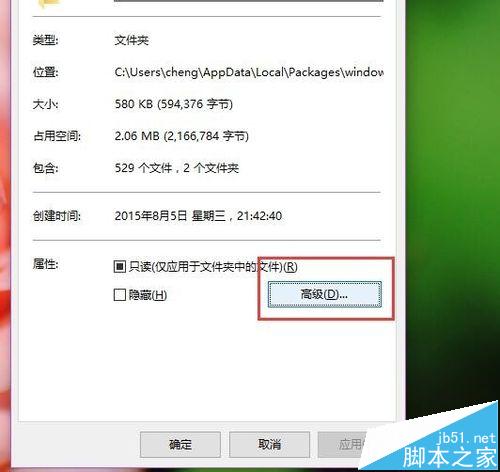
LocalState 資料夾 → 「內容」→「進階」。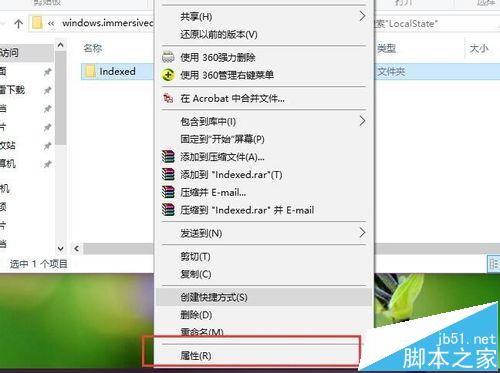
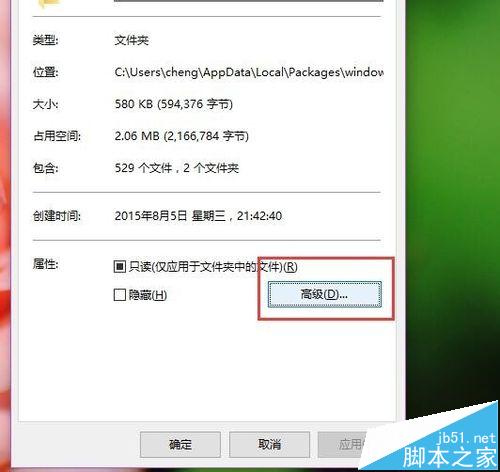
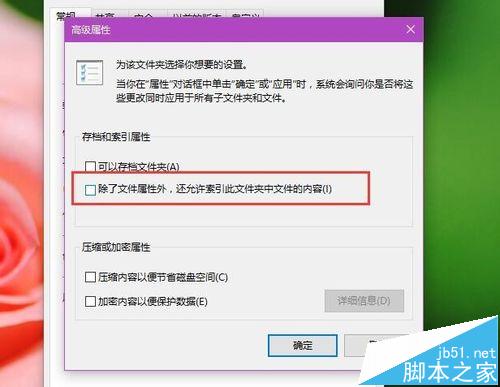
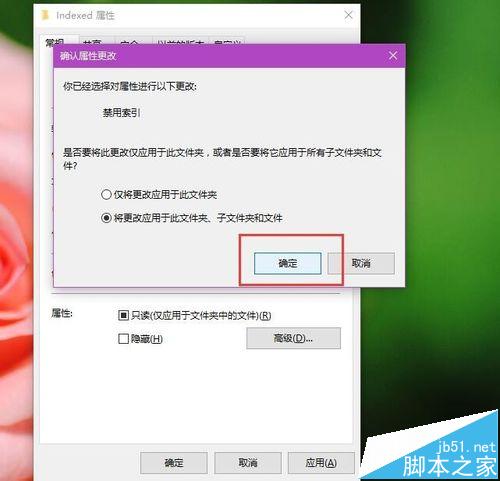
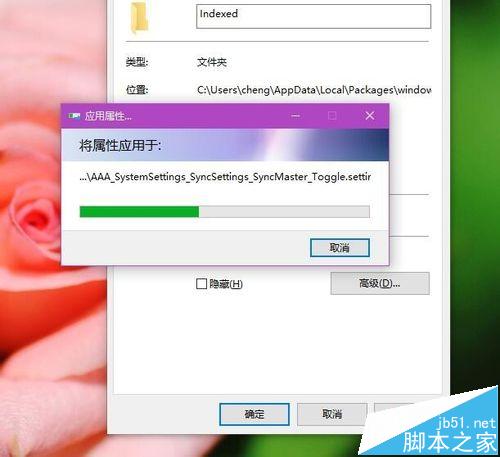
- 取消勾選 「允許索引此資料夾中檔案的內容(除了檔案屬性外)」 → 確定 → 選擇「將變更套用至此資料夾、子資料夾和檔案」。
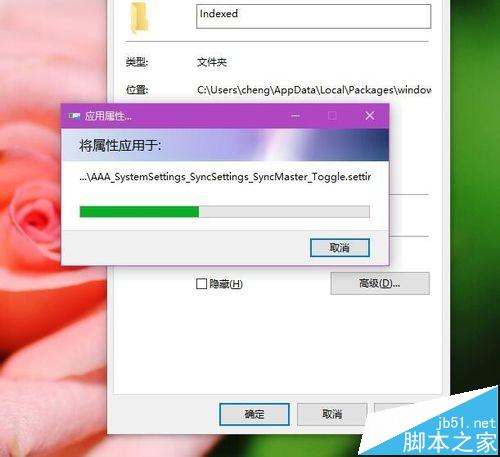
- 待進度條完成後,再次開啟該資料夾「進階」屬性,重新勾選 同一選項 → 確定套用。
- 重新開啟「設定」App,右上角搜尋框應恢復正常顯示結果。
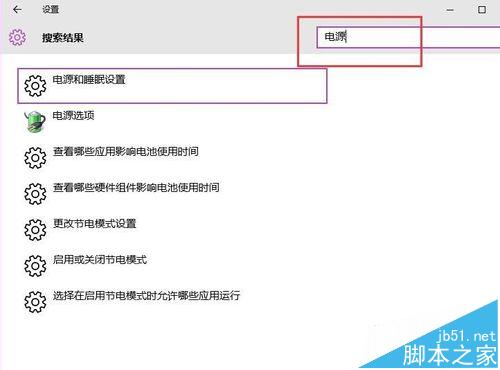
此法透過關閉再開啟索引屬性,強制 Windows 重建搜尋索引,解決多數設定 App 搜尋失效問題。
相關延伸閱讀
- Win10 工作列 Windows 搜尋框怎麼移除?
- Win10 TH2 正式版 Build 10586 怎麼更新升級?
- Win10 正式版 Cortana 語音搜尋在哪裡怎麼使用?
- Win10 TH2 微軟商店新增「搜尋篩選」功能 改善使用者體驗