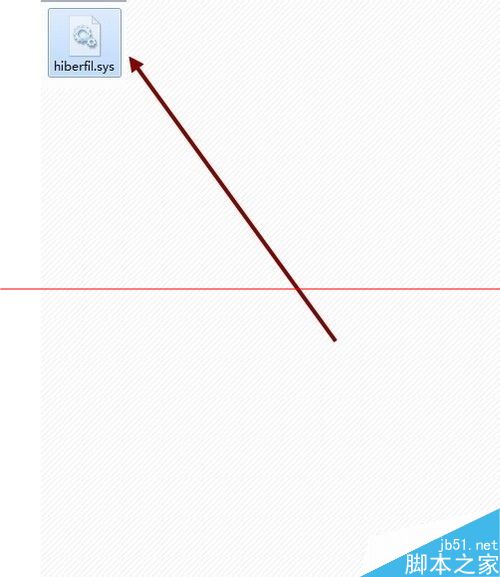
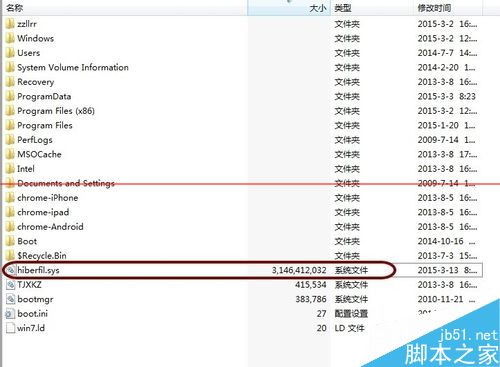
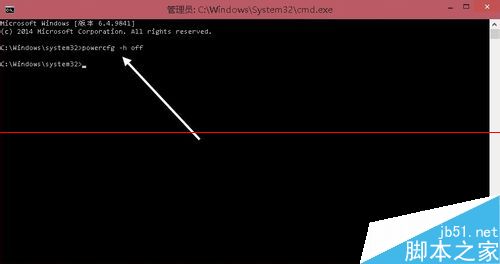
Windows 休眠功能會在系統盤根目錄建立 hiberfil.sys(約佔實體記憶體大小,常達 3GB+),且無法像分頁檔那樣輕易移動。若不使用休眠,可透過指令徹底關閉並刪除:
hiberfil.sys
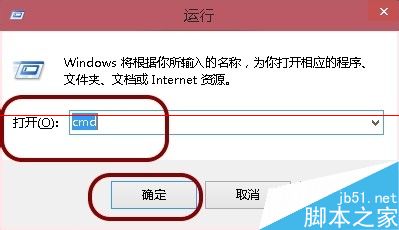
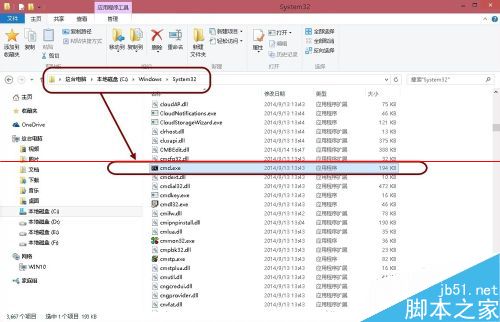
cmd
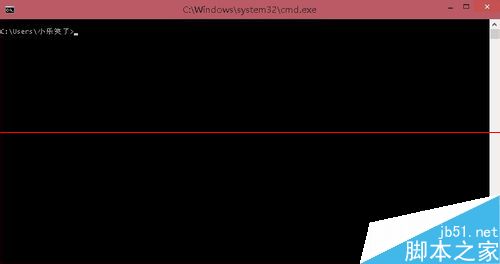
powercfg -h off
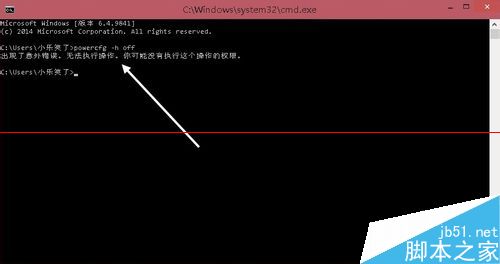
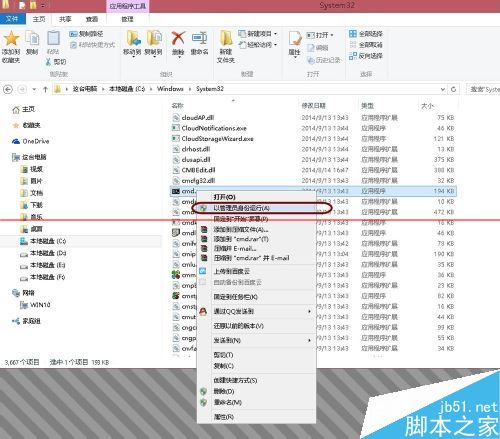
⚠ 若直接執行 powercfg -h off 無效,請確認是否以管理員權限執行。↩ 想恢復休眠功能,執行 powercfg -h on 即可。
powercfg -h on
Windows 不用群組原則也能限制特定使用者執行程式
Win7 無線網路圖示消失?登錄表清除 IconStreams 快速恢復
电脑重装系统前必备份文件清单:桌面/我的文档/收藏夹/邮件/QQ记录 + 多系统路径对照表 + PE/U盘备份实操指南
Win10/Win8.1/Win7 無法識別 USB 裝置?三大解決方案完整攻略
Win10 命令提示符 (CMD) 開啟即閃退?註冊表殘留 EXIT 鍵值為禍首
Windows 10 防火牆在哪?開啟與關閉完整圖文教學
Windows XP 註冊表如何備份與還原?regedit 圖文教學
Windows 7 無法刪除資料夾提示「您沒有權限查看或編輯權限設定」:登出重登即解決