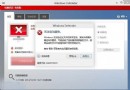
Win7 常發生 IE 瀏覽器被惡意篡改:通過插件、BHO、Winsock LSP 等形式篡改,打開網頁彈廣告、輸入正常網址跳轉他站、收藏夾自動添加陌生網址等。
解決方法:
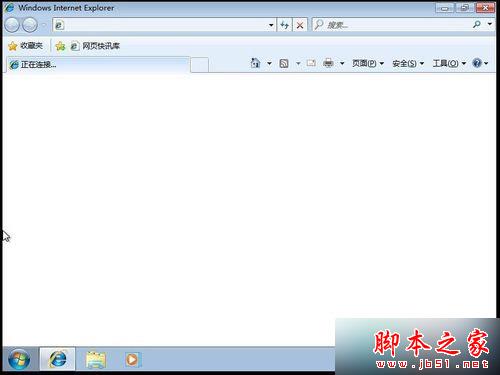
- 找到並打開 IE 瀏覽器。
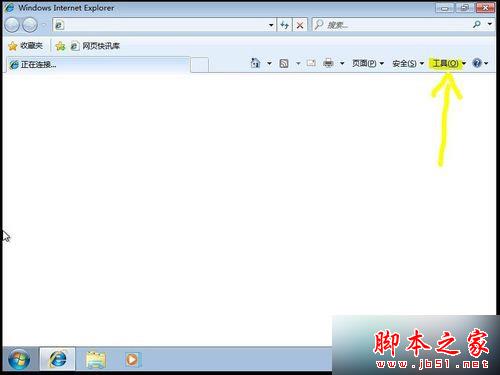
- 點擊【工具】。
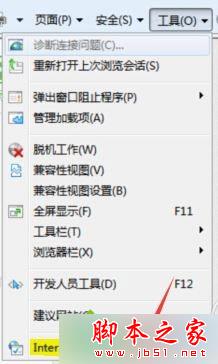
3. 點擊【Internet 選項(O)】。
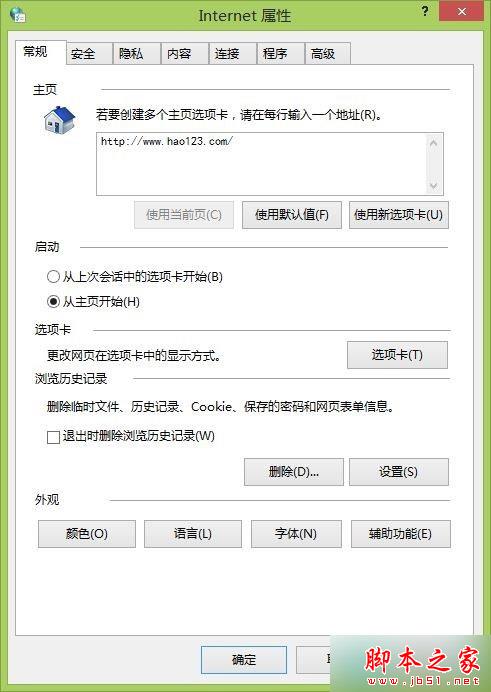
- 打開【Internet 選項】。
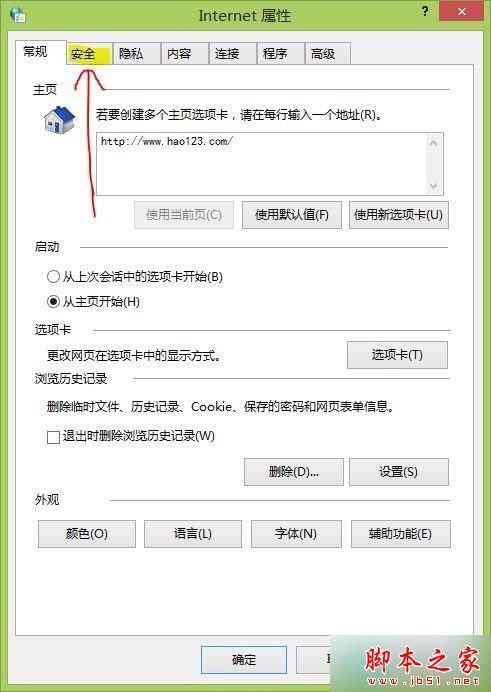
- 點擊【安全】選項卡。
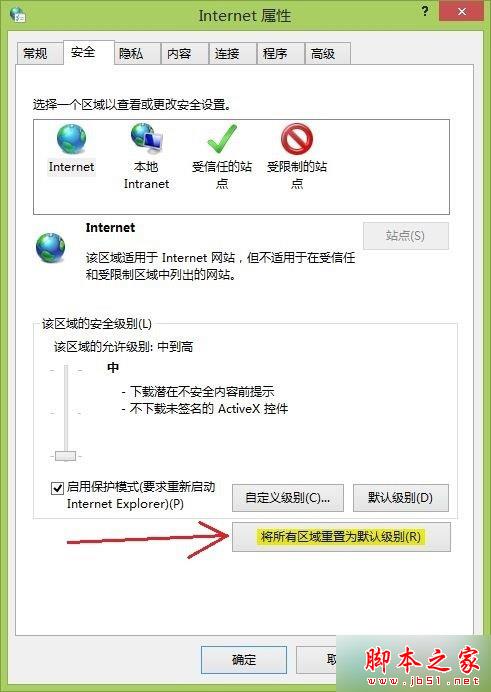
- 點擊【將所有區域重置為默認級別(R)】。
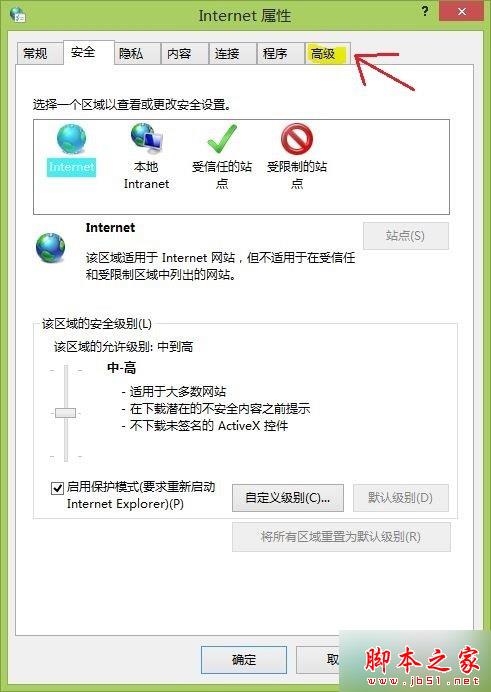
- 點擊【高級】選項卡。
- 點擊【重置(S)...】。
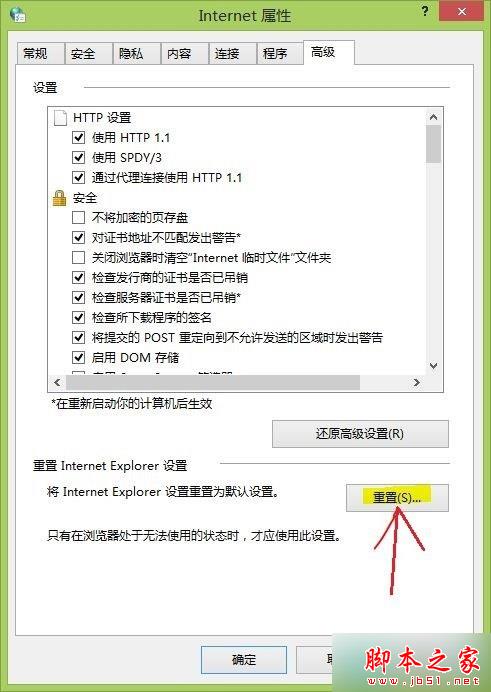
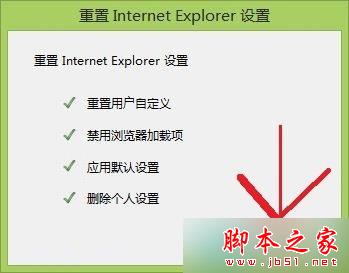
- 打開【重置 Internet Explorer 設置】。
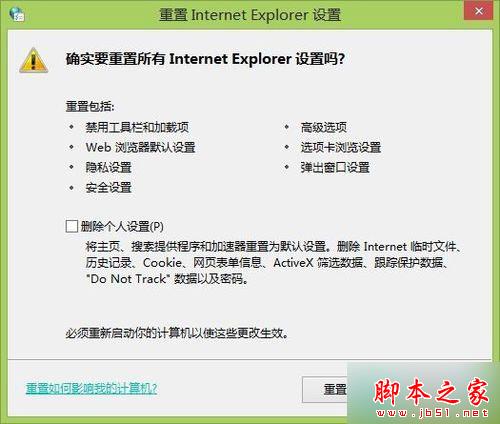
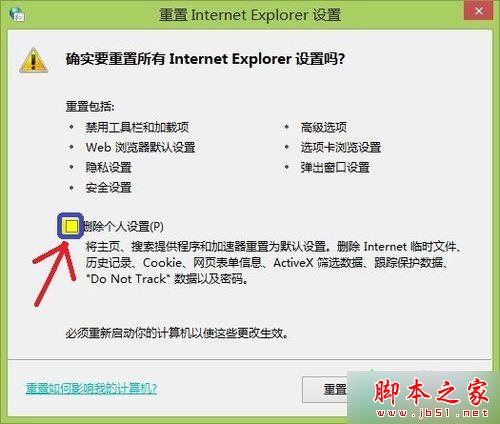
- 勾選【刪除個人設置(P)】。
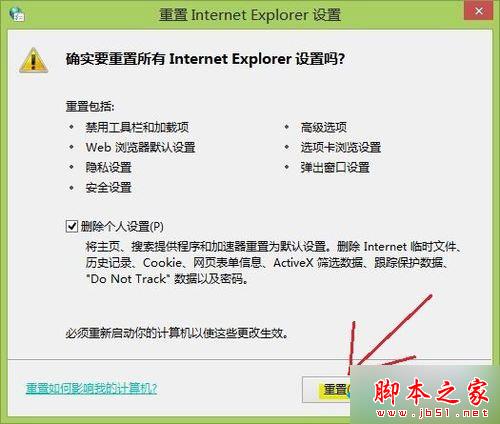
- 點擊【重置(R)】。
- 點擊【關閉(C)】。
以上就是 Win7 IE 瀏覽器被惡意劫持解決方法:工具 → Internet 選項 → 安全 → 重置所有區域 → 高級 → 重置並勾選刪除個人設置,讓 IE 更順暢運行。