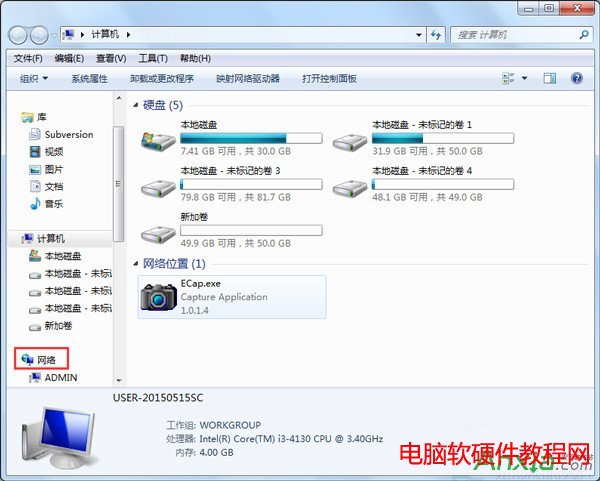
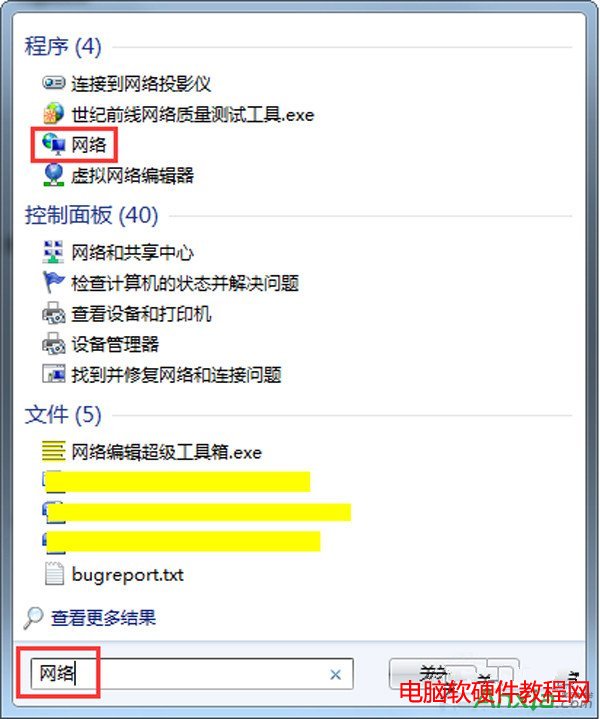
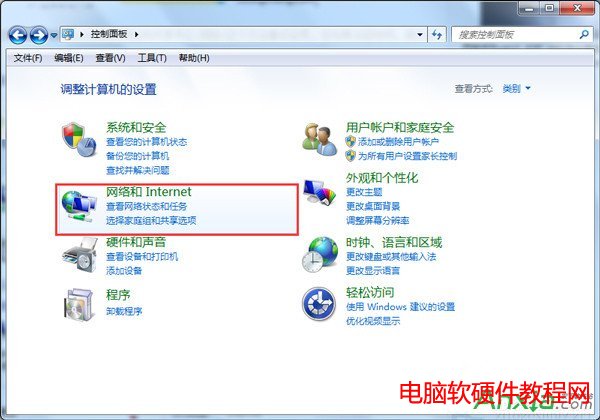
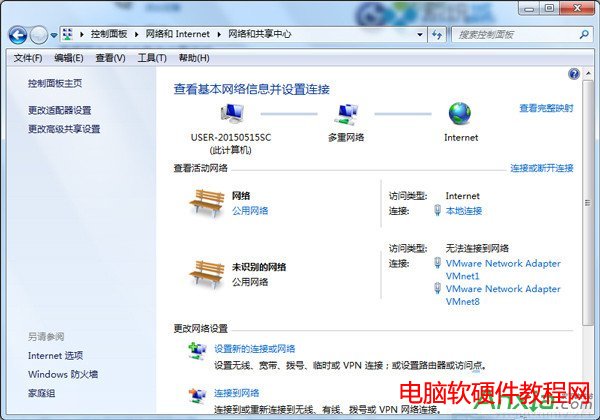
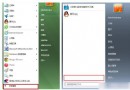
Win7 將「網路芳鄰」更名為「網路」。三種開啟方式:
桌面「網路」即為舊版「網路芳鄰」,功能一致。
Win7 如何開啟 Ping 回應(解除防火牆封鎖 ICMPv4)?虛擬機網路互通實測
Win7 設定護眼背景色(綠豆沙色),有效緩解眼部疲勞
Win8.1 升級 Win10 錯誤 80240020/80070057 解決:清除更新快取 + DISM 修復系統檔案
XP 系統滑鼠移動速度調整?控制台 → 滑鼠 → 指標選項 → 拉桿調速 → 確定即時生效
Win10 如何設定預設輸入法?控制台「進階設定」覆寫預設輸入法
Win10 Build 10576 新功能詳解:Edge 多媒體串流投射 (Miracast/DLNA)、PDF 整合小娜、Xbox Beta 更新
WinXP 開機進入選單後自動重啟無限循環?關閉「系統失敗自動重啟」一鍵解決
Win7 修改檔案副檔名完整教學:顯示隱藏副檔名並變更類型