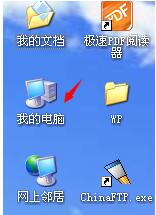
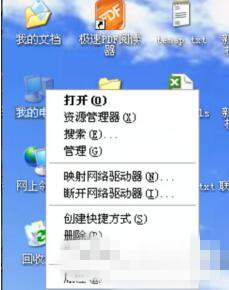
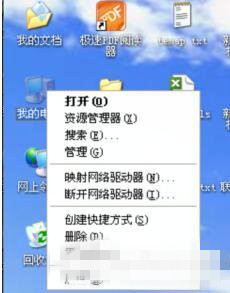
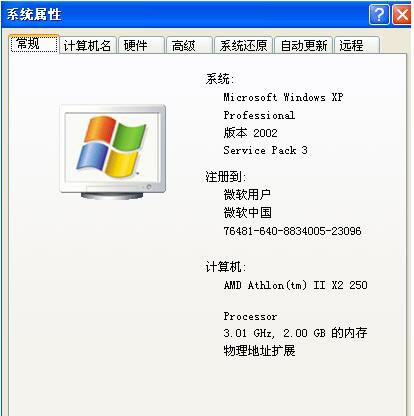
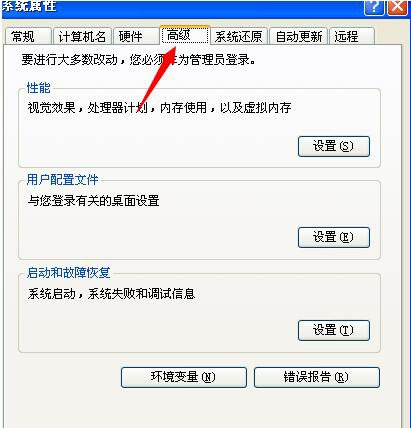
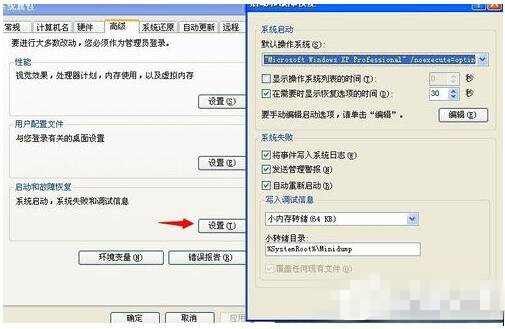
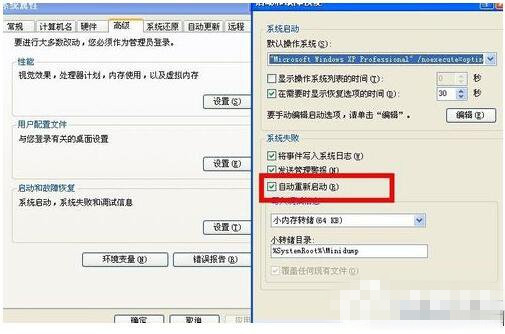
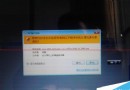
現象:開機出現「正常啟動 Windows / 最後一次正確配置」選單,無論選哪項或不操作,幾秒後自動重啟循環。原因:系統設定「發生系統錯誤時自動重新啟動」。
關閉自動重啟後,藍畫面錯誤碼將停留在畫面,據此查詢具體故障 (驅動/硬體/系統檔案) 並對症下藥。
Win8.1 降級 Win7 方法:微軟官網提供 Win7 SP1 官方 ISO 下載(需驗證金鑰)
Windows 10 正式版免費升級 19 大常見問答完整整理:資格、預約、版本對應、相容性一次搞懂
Win10 Mobile Build 10575 內測中:針對電池續航與過熱問題進一步優化
Windows 10 Mobile 週年更新 14393.67 開始推送至電信商客製機型
開發者必備:微軟釋出 Adobe Photoshop 版 Win10 UWP 通用應用設計模板(含下載)
Windows 7 更新補丁安裝失敗?三大核心修復方案一次看
Win10 一秒建立桌面捷徑:開始選單直接拖曳應用到桌面
Windows XP / 7 實現開機自動撥號上網:註冊表法與工作排程器法完整教學