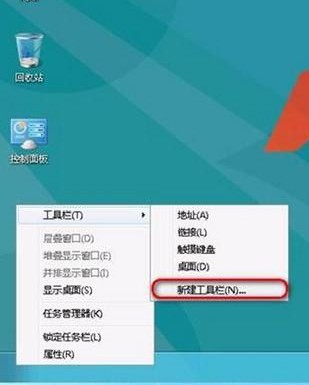
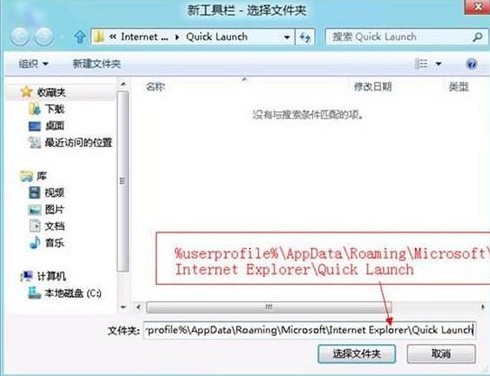
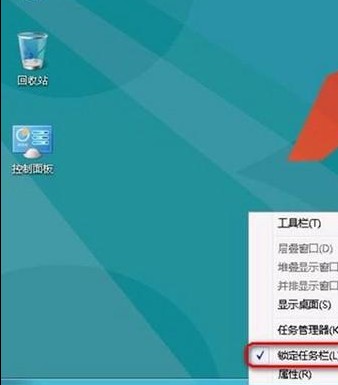
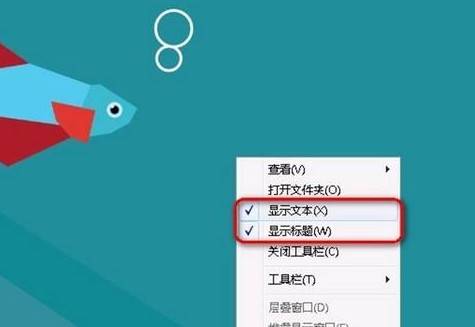
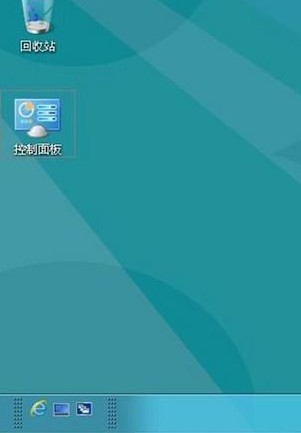
Windows 8 工作列無預設快速啟動列,可透過新增工具列指向 %userprofile%\AppData\Roaming\Microsoft\Internet Explorer\Quick Launch 重現經典體驗。
%userprofile%\AppData\Roaming\Microsoft\Internet Explorer\Quick Launch
Win 8 財經應用開啟幣值換算工具即時匯率換算
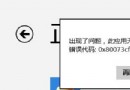
Windows 8.1 應用程式安裝錯誤 0x80004005 解決方法:重新註冊 DLL 檔案
從 Build 9471 洩露版窺探 Windows 8.1 RTM 新功能
Windows 8 還原防火牆預設設定:控制台一鍵重置所有規則
Win8 取得 WindowsApps 資料夾權限:安全性進階設定變更擁有者
Windows 8 快速關機捷徑建立與釘選開始畫面:shutdown.exe 參數完整教學
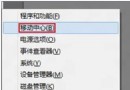
Windows 8.1「變更電腦設定」無法開啟?五大修復方案
Windows 10 Continuum 功能初體驗:手機秒變電腦