錯誤原因 (微軟官方說明)
錯誤代碼 0x80004005 (未指定的錯誤) 在應用程式安裝/更新時常見,主因通常為:
- 關鍵系統 DLL 檔案未正確註冊 (如 `Softpub.dll`、`Wintrust.dll`、`Initpki.dll`)。
- 防火牆/安全軟體阻擋 HTTPS (SSL) 連線,導致授權驗證/下載失敗。
解決步驟:重新註冊三個核心 DLL
- 開啟命令提示字元 (管理員) : Win+X → 命令提示字元 (管理員)。
- 依序輸入下列指令,每行按 Enter:
regsvr32 Softpub.dll
regsvr32 Wintrust.dll
regsvr32 Initpki.dll
- 每個指令執行成功會彈出「DllRegisterServer 在 xxx.dll 中成功」對話框,點選確定。
- 重新開機電腦。
補充檢查
- 若問題持續,檢查 Windows 防火牆/第三方安全軟體是否阻擋 `svchost.exe`、`TrustedInstaller.exe`、應用商店進程 (`WinStore.App.exe`) 的輸出 HTTPS (443 port) 連線。
- 執行系統檔案檢查修復:管理員 CMD 執行
sfc /scannow,修復可能損毀的系統檔案。
適用範圍
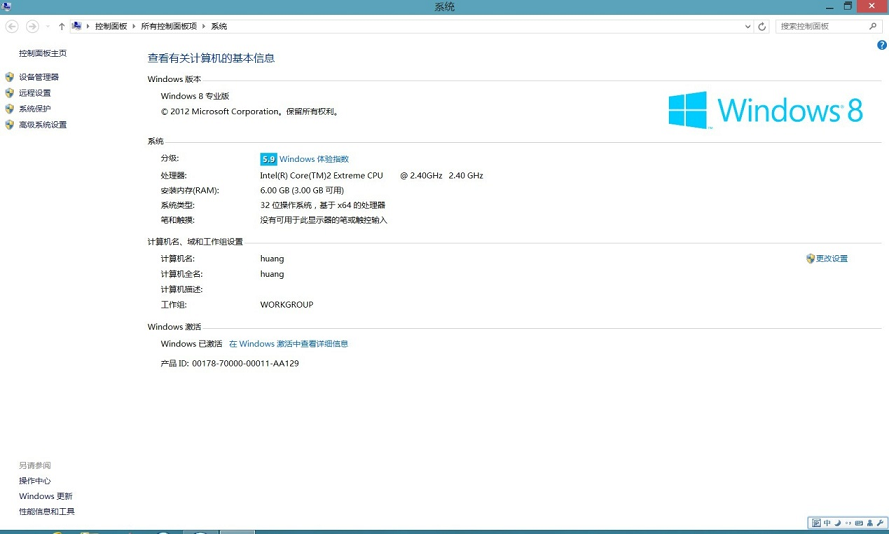
Windows 8 / 8.1 / 10 / 11 應用商店安裝/更新錯誤 0x80004005、Windows Update 錯誤 0x80004005、部分軟體安裝器報此錯誤。