Windows 8 透過「行動中心」快速管理外接顯示器,支援複製、擴展等多種顯示模式,並可調整螢幕方向、解析度與相對位置。
操作步驟
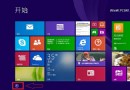
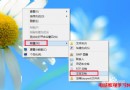
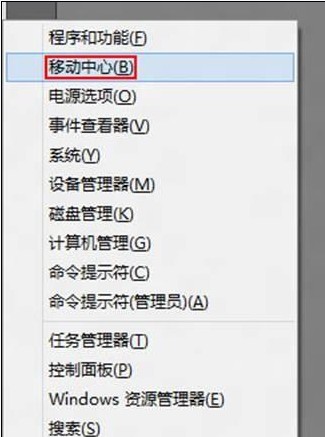
- 按 Win+X 呼叫快捷選單 → 選擇「行動中心」。
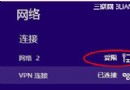
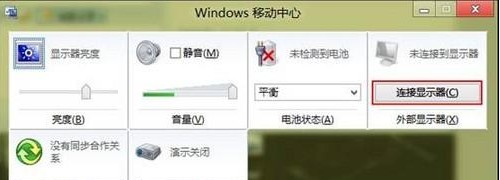
- 確認外接顯示器已連接並開啟電源,點選「連接顯示器」。
- 右側彈出 Charms 列,選擇「複製」(同步畫面)或「擴展」(延伸桌面)。
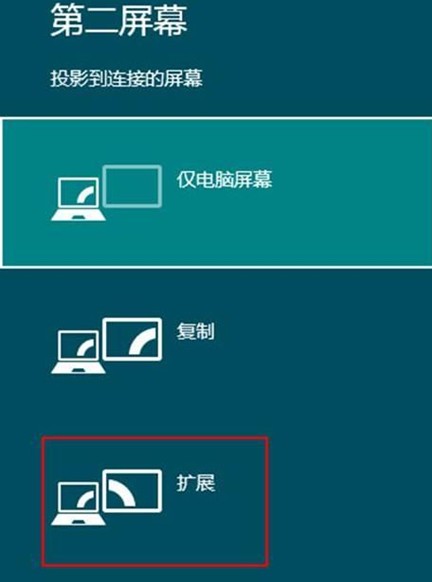
- 預設外接螢幕為副顯示器,位置在右側;擴展模式下將視窗拖曳至右側即可在外接螢幕顯示。
- 快速切換模式:按 Win+P 呼叫投影選單。
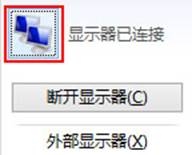
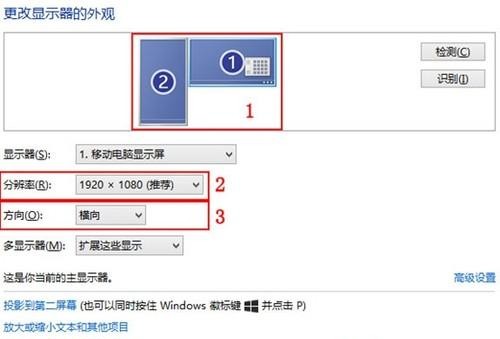
- 調整螢幕方向、解析度、相對位置:在行動中心點選顯示器圖示 → 「變更顯示器的外觀設定」。