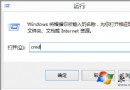
執行 explorer.exe 出現 0xc0000018 (STATUS_INVALID_IMAGE_HASH),常因登錄檔 Image File Execution Options (IFEO) 下被惡意軟體或優化工具建立 explorer.exe 偵錯項導致。刪除該項目即可修復。
regedit 開啟登錄編輯器。HKEY_LOCAL_MACHINE\SOFTWARE\Microsoft\Windows NT\CurrentVersion\Image File Execution Options\explorer.exe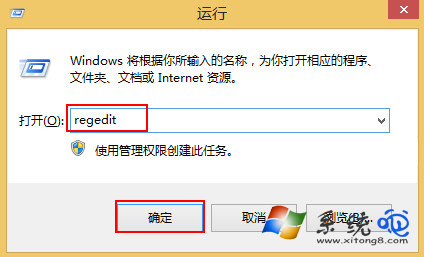
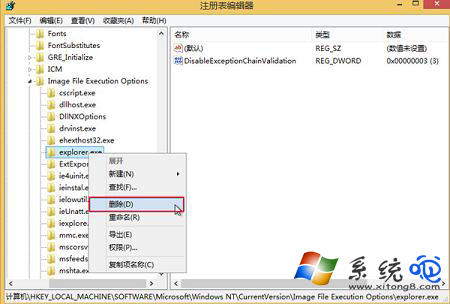
IFEO 機制允許為特定執行檔指定偵錯器 (Debugger)。若 explorer.exe 下存在 Debugger 字串值指向不存在/惡意程式 (如 db03.exe),系統啟動 Explorer 時會嘗試載入偵錯器失敗,導致 0xc0000018。刪除整個 explorer.exe 金鑰可移除攔截。
iexplore.exe, winlogon.exe, svchost.exe) 是否有異常 IFEO 項目。