IE11 在 Windows 8 中將網站加入我的最愛,若已登入 Microsoft 帳戶,書籤將自動雲端同步至其他裝置。
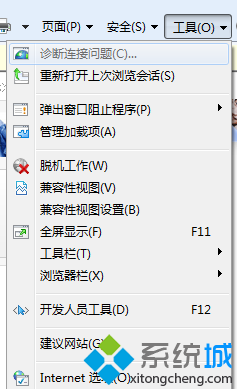
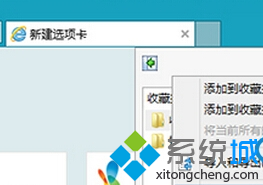
已升級 Win8.1 並登入 Microsoft 帳戶者,書籤自動同步至雲端,換裝置登入同帳號即可取得相同我的最愛。
Windows 8 控制台在哪?三種最快開啟方式:Charms、Win+X、搜尋
Windows 8 平板快速切換使用者:開始畫面右上角帳戶選單與電腦設定兩大入口
打造專屬 Win8 開機畫面:Windows 8 Start Screen Customizer 修改啟動背景
解決 Windows 8 播放音樂/影片雜音、爆音問題:修改登錄與停用多媒體排程器
十大疑問拷問 Windows 8:安全性、平板相容、廠商支持、企業接受度、對決 Android/iOS、經典模式、ARM 整合、發布時程、回應 Mountain Lion
Win 8/8.1 右鍵選單新增 Windows Defender 掃描功能登錄修改教學
Windows 8 可用 Windows 7 金鑰激活 (Beta/洩漏版) ,但無法啟用完整功能 (Ribbon、Modern Reader、新版 IE 等)