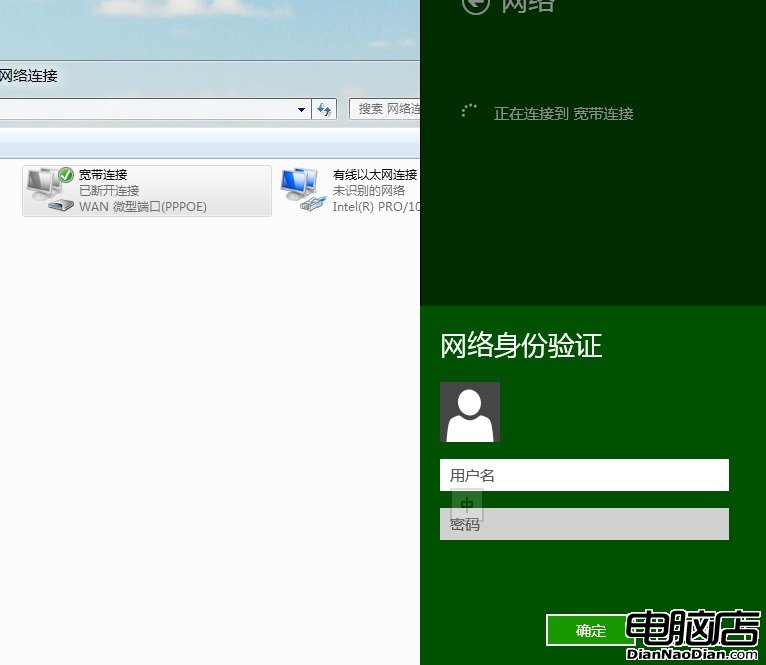
Win 8 寬帶連線每次需輸入密碼極不便。解決方法:
RASDIAL 寬帶連線 用戶名 密碼寬帶連線.BAT。點擊該批次檔即可自動撥號。Win7、XP 同樣適用。
Windows 8 關閉休眠功能:Win+X 電源選項兩步驟設定「永不」睡眠
Windows 8 IE10 無法安裝 Flash Player 插件完整修復指南:補丁重裝、權限修復、系統檔案修復三階段
Windows 8 升級助手四大核心功能詳解:相容性掃描、報告、功能檢測、購買引導
Win8 網頁開啟慢?調整 QOS 預留頻寬從 80% 降至 20% 實測提速
Win8 改裝 Win7 完整圖文教學:關閉 UEFI/安全開機、GPT 轉 MBR、Diskpart 清理分區
Windows 8 開啟 IIS 8.0 功能支援 ASP/ASP.NET:控制台啟用 Windows 功能完整步驟與驗證