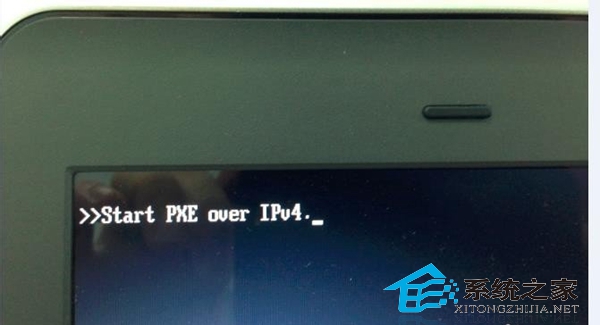
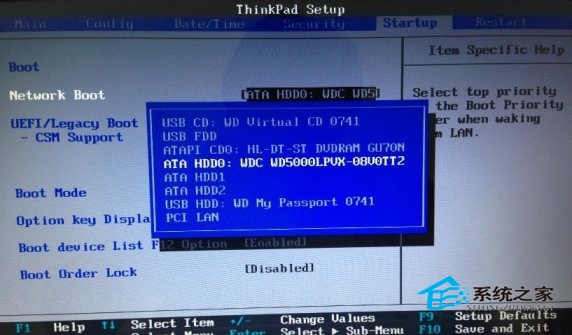
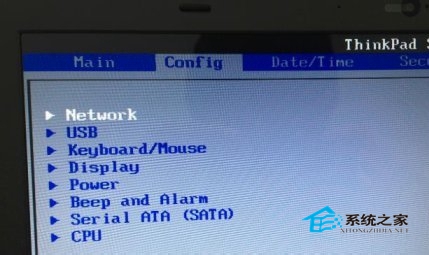
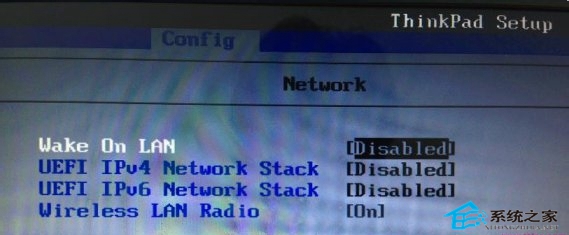
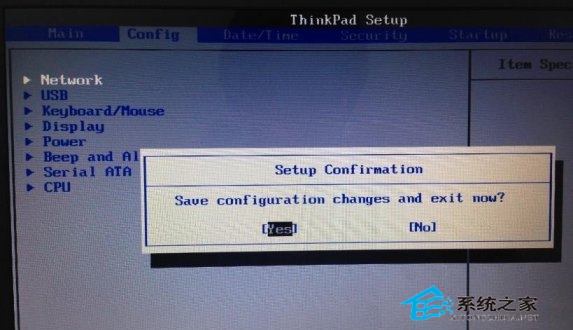
開啟了網絡喚醒,BIOS 嘗試從網絡啟動(PXE),導致開機卡在 start pxe over ipv4。
start pxe over ipv4
每次開機前拔掉網線,開機後再插上。
Windows 8.1 內建「重設電腦」功能:無需光碟 USB 即可一鍵重裝系統完整教學
感受 Windows 8 的百變靈性:辦公、遊戲、雲端三大場景深度解析
Windows 8 RP 版安裝風險評估:非最終產品、可能死機、資料遺失、硬體不相容
Win8/8.1/10/11開機自動開啟數字鍵盤燈:登錄InitialKeyboardIndicators設為2
Windows 8 獲 Flash Player 更新補丁:修復安全漏洞與 Office 相容問題
Win8.1 迅雷影音播放即閃退?重命名 XMP.exe 秒解決相容性衝突
Win8 寬帶連接自動撥號與開機自連完整設定指南
KB2902864 解決 Win8.1「SecureBoot 未正確配置」提示:補丁下載與安裝