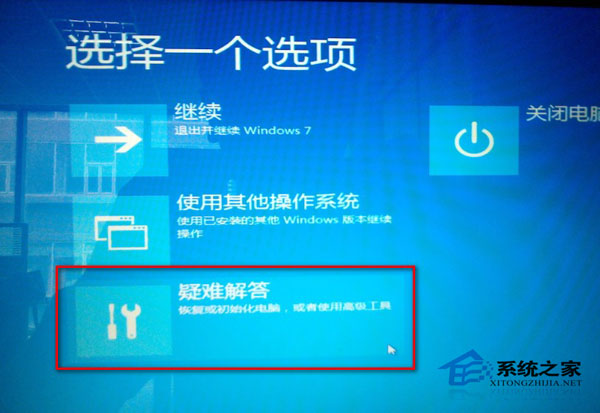
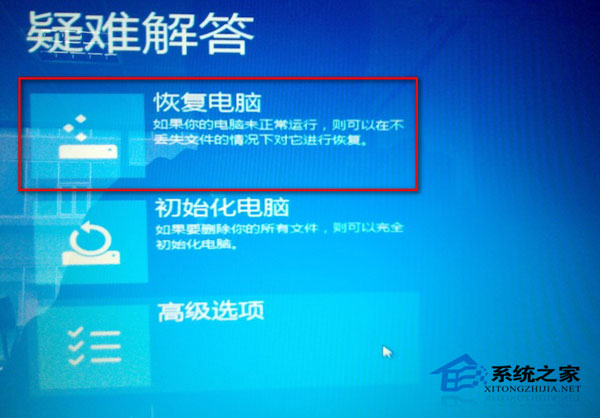
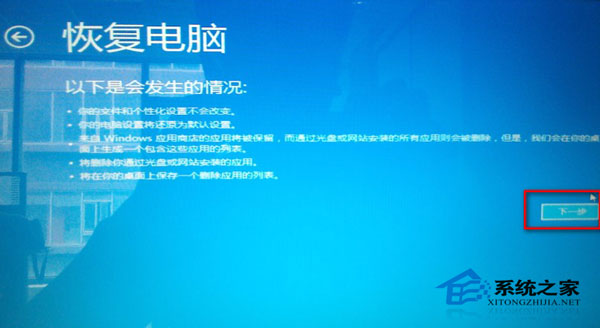
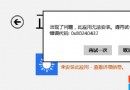
安裝更新補丁重啟後進入系統黑屏。
Win8 人脈應用聯繫人鏈接功能圖文教程:整合多社交帳戶同一聯繫人
揭秘 Win8.1 系統中的 14 項隱藏功能(前 3 項詳解)
Windows 8 內建天氣應用:華氏度/攝氏度切換三步驟教學
Win8 USB 隨身碟代號不顯示修復:裝置設定移除殘留項目重新掛載
Win8 分區提示「磁盤已達最大分區數」完美破解教程
Win8 開啟安全性中心失敗?啟動 Security Center 服務解決
Windows 8 如何刪除已安裝的主題?必須先切換至其他主題
VirtualBox 虛擬機安裝 Windows 8 完整圖文教學 (21 步驟)