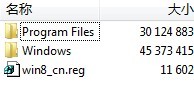
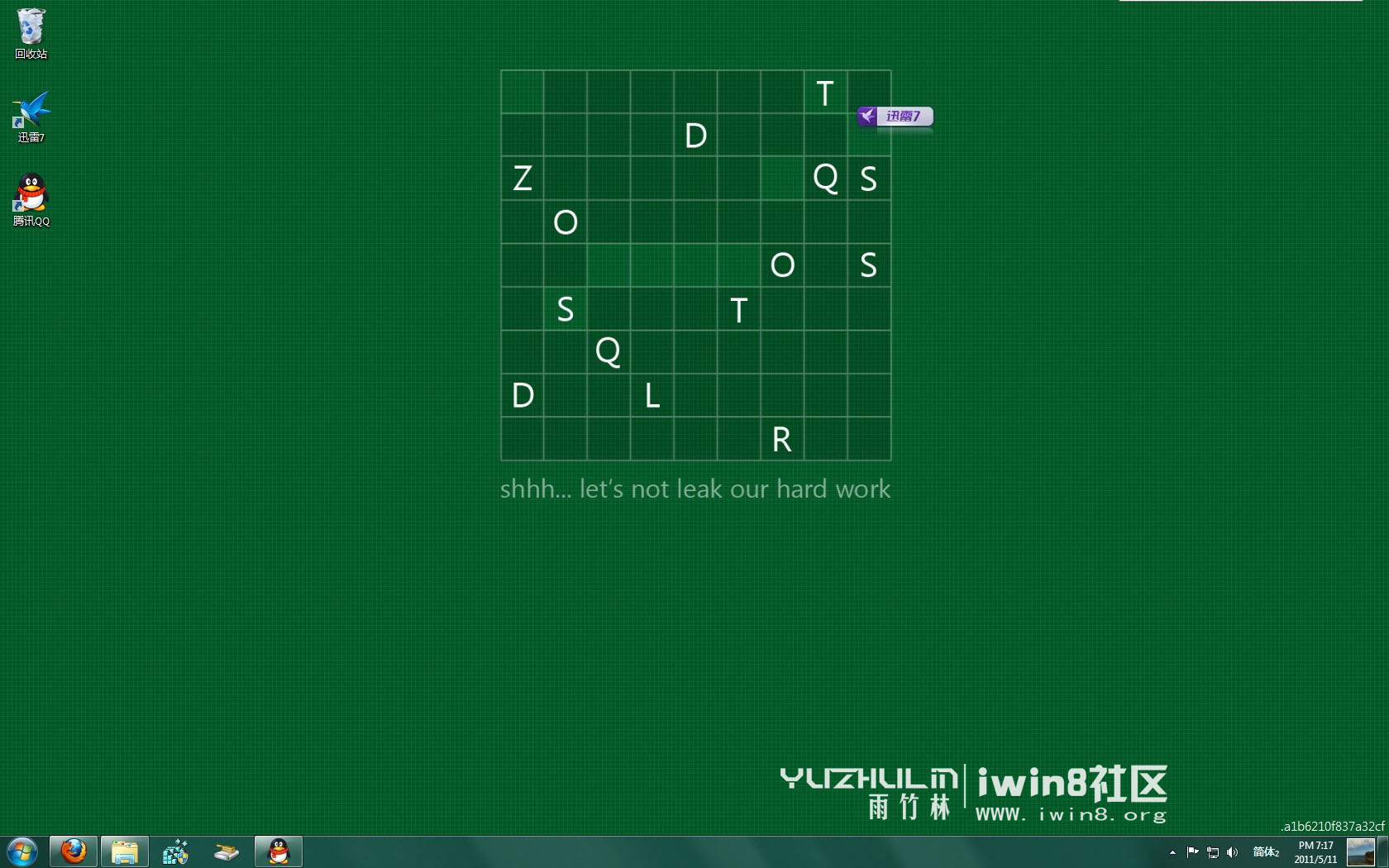
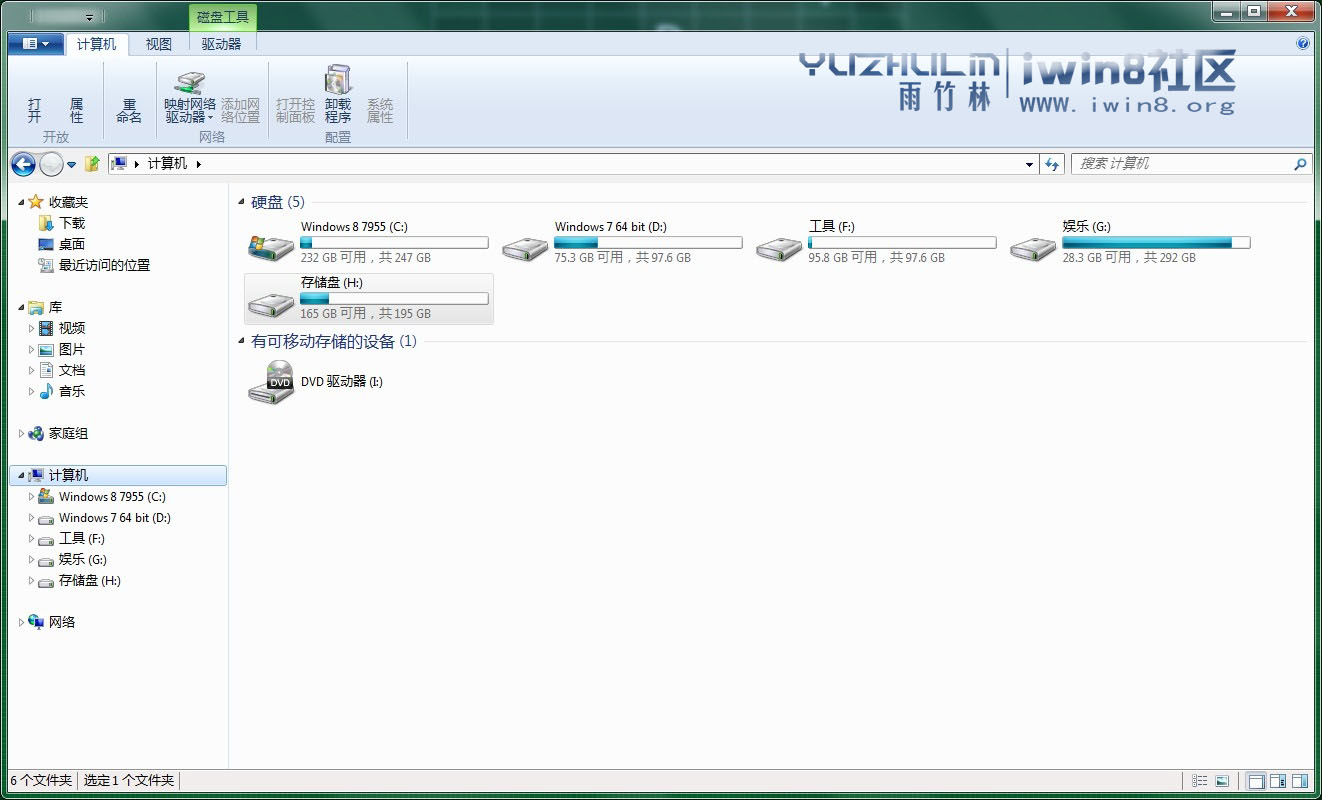
雨竹林科技發布 Win8 7955 繁中教程:
進入系統後右下角內部版本號浮水印也消失。
更多版本下載見:https://www.iwin8.org/read-htm-tid-16.html
Win8 共享 Wi-Fi 免費上網完整圖文教學:虛擬熱點建置指南
Windows 8 版 QQ 登入卡死?騰訊官方方案:系統使用者名稱不可含中文
Windows 8 關閉防火牆步驟圖解:控制台 Windows 防火牆啟用/停用
Windows 8 Win+X 選單失效修復:複製正常系統 WinX 資料夾即可恢復
Windows 8 重置 ClearType 文字微調器至預設值登錄表法
Win8 簡報模式開關:行動中心筆電專用一鍵切換
新手 3 分鐘上手 Windows 8:找回開始選單、關機技巧、介面切換、熱鍵完全圖解
Win 8 地圖應用程式英文介面切換中文教學