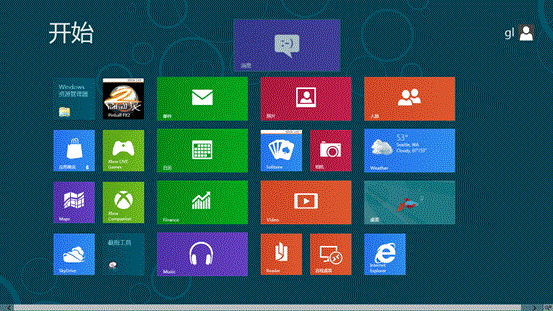
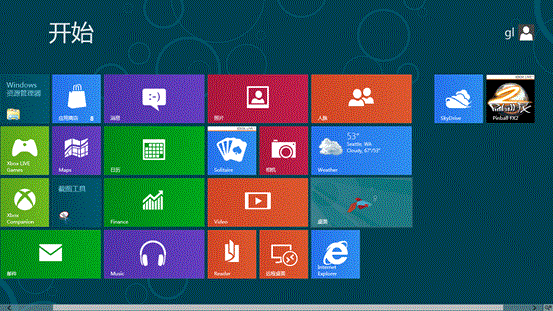
觸控裝置長按磚塊即可拖動。Win8.1 新增批量選取、分組命名、更多尺寸選項,管理更靈活。
Windows 8.1 快速新增開機啟動項:啟動資料夾完整路徑與操作法
Win8.1 系統圖片密碼建立方法 (詳細版)
Windows Vista 資源管理器:如何永久顯示傳統選單列
Windows 7/8 DLNA 媒體串流設定:電腦、手機、電視三方互通
Win8 超級按鈕完整指南:搜尋、分享、開始、裝置、設定一鍵直達
Adobe CS6 系列在 Windows 7/8 安裝失敗終極解決方案
將 QQ/搜狗/Google 拼音詞庫匯入 Windows 8 微軟拼音輸入法:匯出 → 深藍轉 TXT → 自造詞工具匯入三步驟
Win8 行動寬帶裝置解鎖/解除封鎖:PIN 碼與 PUK 碼操作指南