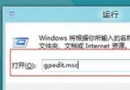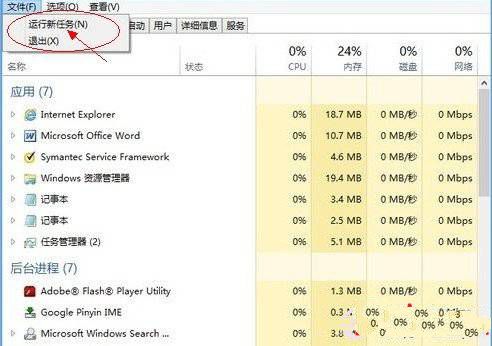
此對話框並無特殊新功能,本質上等同於 Windows 7/XP 的「新增工作」與 Win+R「執行」對話框。輸入指令後按確定即可啟動對應程式。
cmd — 開啟命令提示字元iexplore.exe — 啟動 Internet Explorernotepad — 開啟記事本control — 開啟控制台msconfig — 系統設定工具勾選「以系統管理員權限建立此工作」可提升權限執行。雖無創新,但整合於工作管理員中,方便在處理程序異常時快速介入啟動工具。
Win8 故障修復與重設功能失效?插入安裝媒體(USB/DVD)即可解決「缺少檔案」錯誤
Win8.1 Update 無法開機?無還原點/備份時用安裝媒體 + sfc /scannow 離線修復
解決 Win 8 右鍵選單無法使用 匯入登錄檔修復 Shell 擴充功能
Windows 8 Flash Player 版本過低卻無法安裝?四大解決方案徹底修復
Win8 系統檔案修復指令 sfc /scannow?管理員 CMD 掃描修復核心檔案
Win8 右鍵「新建」菜單消失?註冊表恢復 ContextMenuHandlers\New 鍵值