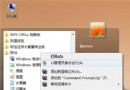
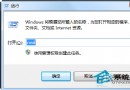
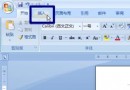
電腦長期使用產生大量暫存檔佔用 C 槽、拖慢速度。設定關機自動清理,讓系統自動保持乾淨:

del /q /s %TEMP%\*(清理使用者暫存資料夾)del /q /s "C:\Windows\Temp\*"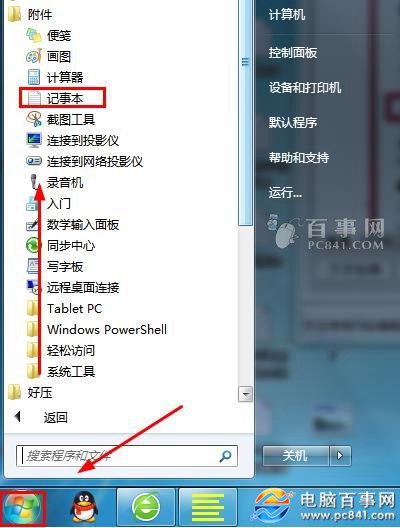
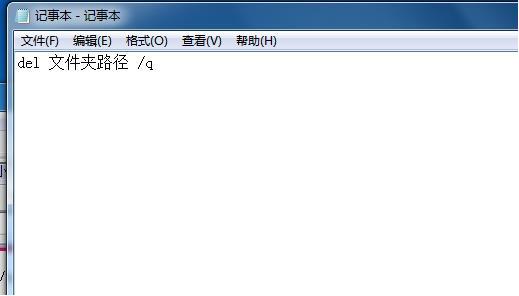
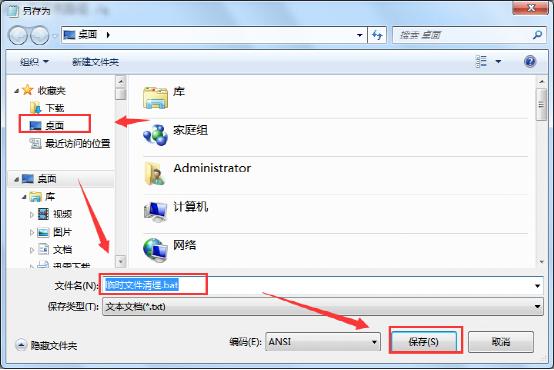
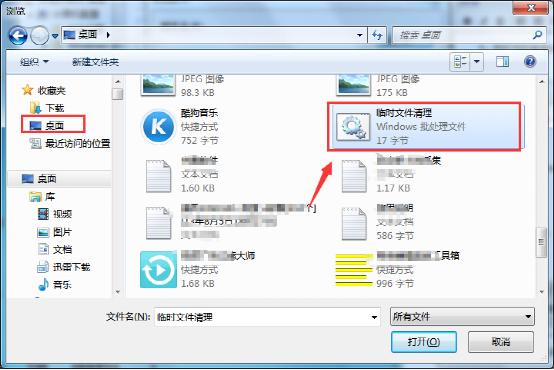
清理暫存檔.bat。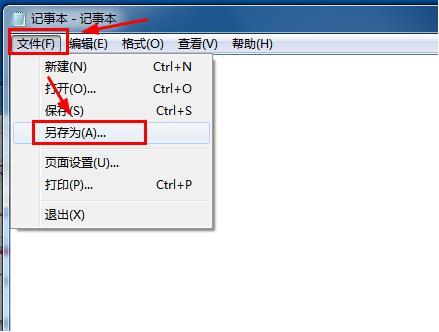
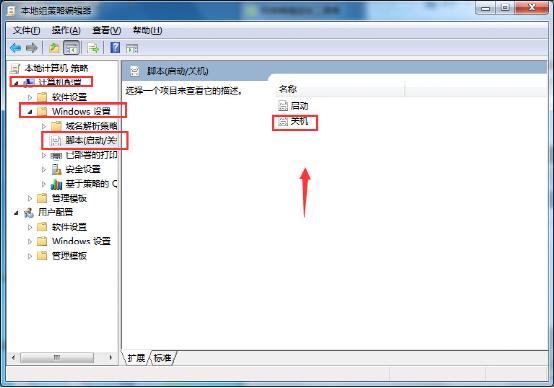
gpedit.msc → 電腦設定 → Windows 設定 → 指令碼 (啟動/關機) → 「關機」 → 雙擊。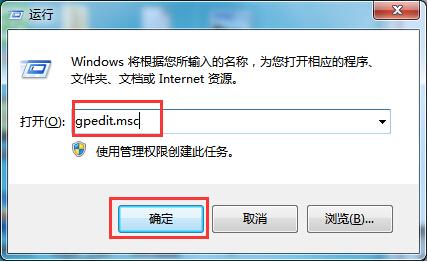
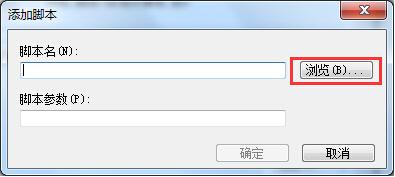
清理暫存檔.bat → 確定 → 套用/確定。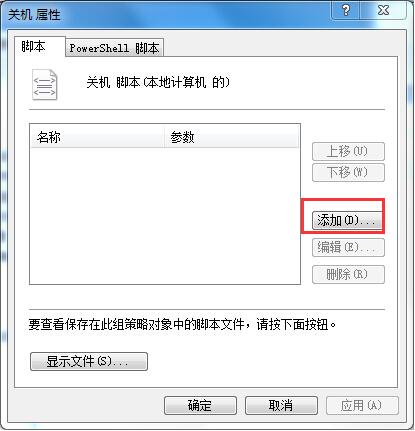
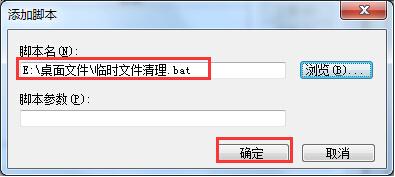
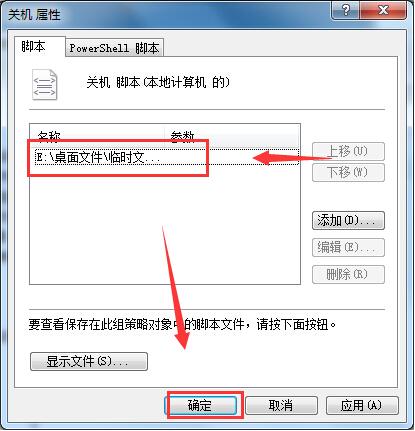
進階:腳本可擴充清理 C:\Windows\Prefetch、瀏覽器快取、回收站等;Home 版無群組原則可用工作排程器「觸發:關機時」執行 .bat 達成同樣效果。
Win7 記事本開啟文字檔出現亂碼?五大原因與解決方案完整整理
Win7 快速建立程式桌面捷徑兩大法:安裝目錄右鍵發送、手動新增捷徑精靈
Win7 系統右下角彈出廣告怎麼去除?修復 DNS 徹底解決
被譽為「硬碟殺手」的 Windows 7 服務停用指南:Windows Defender、Volume Shadow Copy、Superfetch、Windows Search、磁碟碎片整理排程
Windows 7 家用版就地升級旗艦版:Windows Anytime Upgrade 免重灌教學
Win7 遊戲報錯 0xc000007d 的 DirectX 與 VC++ 執行階段修復流程