Windows 7 滑鼠右鍵點擊桌面/資料夾/工作列完全無反應,註冊表 NoViewContextMenu 被設為 1 導致右鍵選單被禁用。管理員 CMD 執行修復指令並重啟 Explorer 即可秒解決。
reg add HKCU\Software\Microsoft\Windows\CurrentVersion\Policies\Explorer /v "NoViewContextMenu" /t REG_DWORD /d 0 /f
taskkill /f /im explorer.exe
start explorer.exe
pause
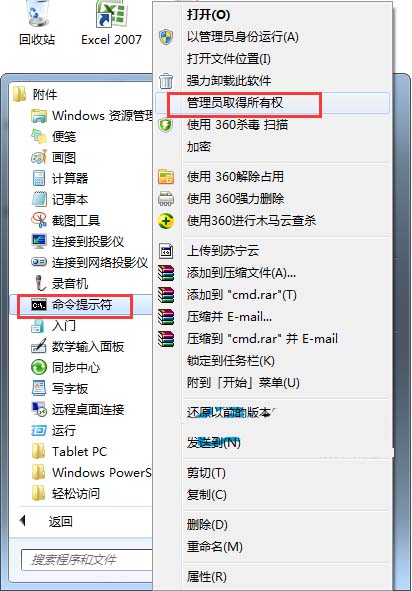
reg add ... /d 0 /f:強制將目前使用者的 NoViewContextMenu 設為 0 (啟用右鍵選單)。taskkill /f /im explorer.exe:強制結束 Explorer 進程。start explorer.exe:重新啟動 Explorer,載入新的註冊表設定。pause:暫停視窗讓你確認執行結果。同樣指令修改 HKLM (機器層級):
reg add HKLM\Software\Microsoft\Windows\CurrentVersion\Policies\Explorer /v "NoViewContextMenu" /t REG_DWORD /d 0 /f
taskkill /f /im explorer.exe
start explorer.exe
gpedit.msc → 使用者設定 → 系統管理範本 → Windows 元件 → 檔案總管 → 「移除右鍵選單」相關項目。