更換網路環境、安裝 VPN/虛擬機後,「網路連線」中會殘留大量隱藏的網路介面卡 (如 Teredo, 6to4, ISATAP)。透過 netsh 指令批次停用這些 IPv6 轉接介面,可乾淨清理裝置管理員與網路連線中的多餘圖示。
netsh interface teredo set state disable
netsh interface 6to4 set state disable
netsh interface isatap set state disable
cmd,Ctrl+Shift+Enter 以管理員身分執行。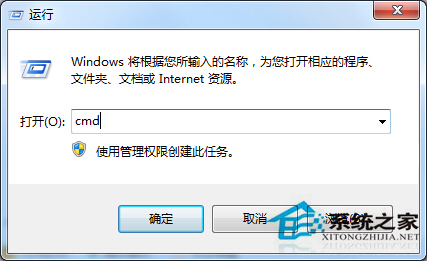
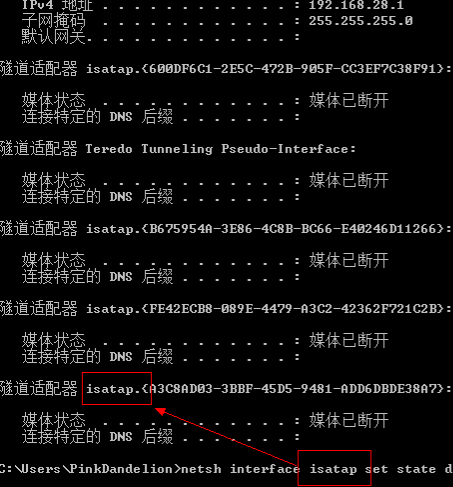
此操作僅停用 IPv6 轉接功能,不影響實體網卡與 IPv4 連線。若需 IPv6 可重新啟用 (set state enable)。