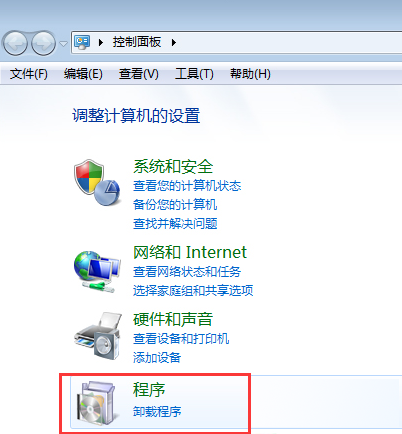
Windows 7 登入時彈出「未能連接一個 Windows 服務」,後續桌面圖示消失、工作列異常。主因為 Winsock 目錄損壞或 System Event Notification Service (SENS) 服務未啟動。命令列重置 Winsock 並重啟服務即可修復。
cmd (建議管理員身分) → 輸入:netsh winsock reset catalog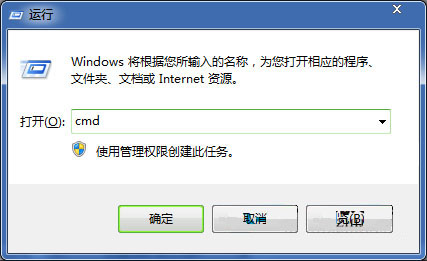
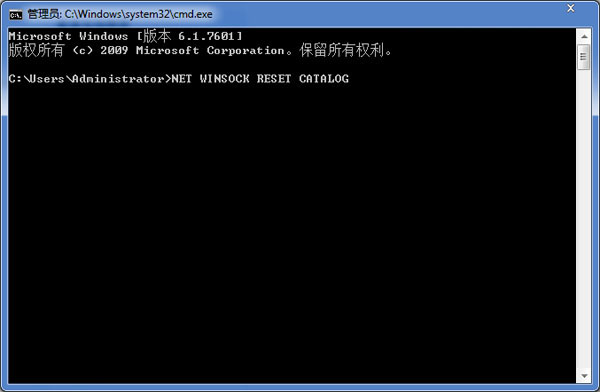
services.msc → 找到 System Event Notification Service → 若未執行,右鍵「啟動」;若已執行,右鍵「重新啟動」。netsh winsock reset catalog。USB 隨身碟插上電腦無法識別?分步驟鎖定是隨身碟壞、還是電腦 USB 口/驅動問題
Win7 關閉 msfeedssync.exe RSS 同步進程:停用 IE 訂閱自動更新
Win7 開機藍畫面/卡住提示 Tsfltmgr.sys 錯誤?卸載 QQ 電腦管家即可解決
Win7 玩 CF 提示缺少 bugtrap.dll?官方修復工具 repair.exe 以管理員身分執行修復
關閉 Windows 7 視窗邊緣自動最大化 (Aero Snap) 功能:登錄檔快速停用
Win7 玩遊戲畫面兩側有黑邊(窄屏)?登錄修改 Scaling 值強制全螢幕