Windows 7 使用久了會累積大量暫存檔、日誌、快取,導致系統變慢。自製批次檔(.bat)可一鍵清理常見垃圾路徑,無需安裝第三方清理軟體,安全且高效。
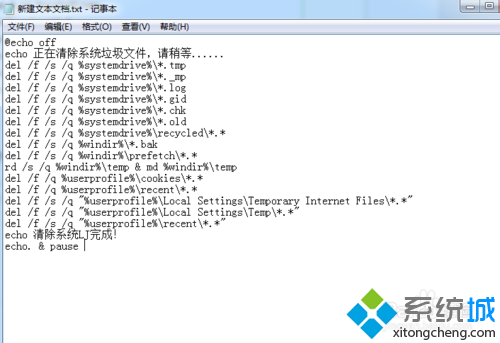
@echo off
echo 正在清除系統垃圾檔案,請稍候......
del /f /s /q %systemdrive%\*.tmp
del /f /s /q %systemdrive%\*._mp
del /f /s /q %systemdrive%\*.log
del /f /s /q %systemdrive%\*.gid
del /f /s /q %systemdrive%\*.chk
del /f /s /q %systemdrive%\*.old
del /f /s /q %systemdrive%\recycled\*.*
del /f /s /q %windir%\*.bak
del /f /s /q %windir%\prefetch\*.*
rd /s /q %windir%\temp & md %windir%\temp
del /f /q %userprofile%\cookies\*.*
del /f /q %userprofile%\recent\*.*
del /f /s /q "%userprofile%\Local Settings\Temporary Internet Files\*.*"
del /f /s /q "%userprofile%\Local Settings\Temp\*.*"
del /f /s /q "%userprofile%\recent\*.*"
echo 清除完成!按任意鍵結束...
pause
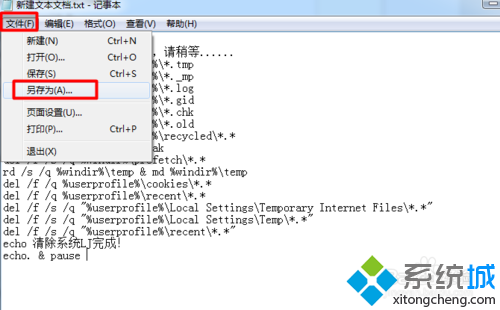
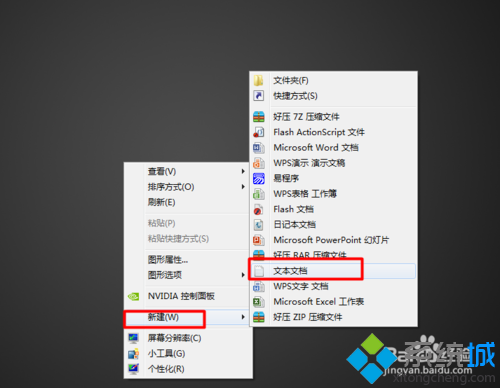
深度清理垃圾.bat;存檔類型:所有檔案 (*.*)。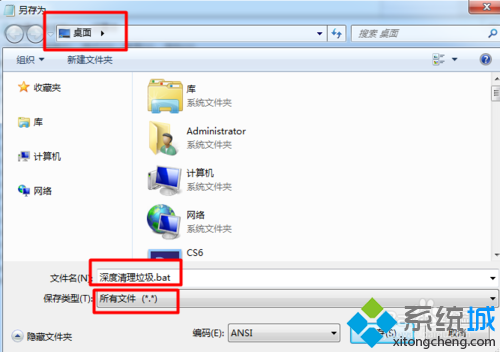
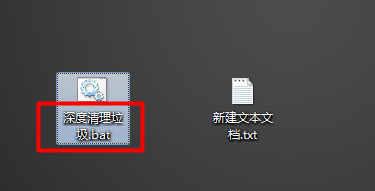
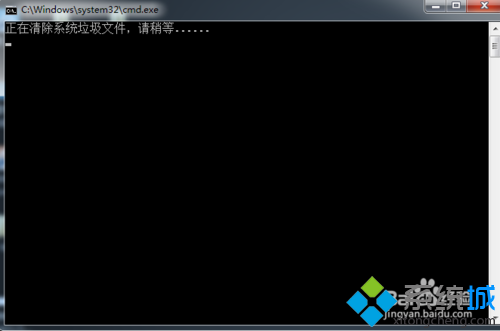
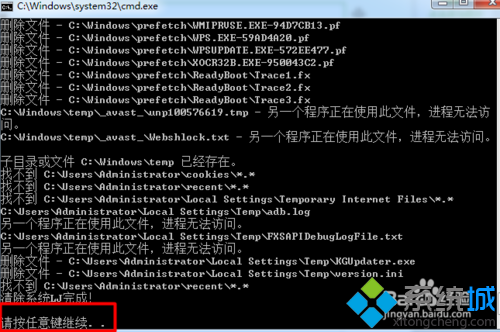
*.tmp、*._mp、*.log、*.gid、*.chk、*.old、回收筒。*.bak、Prefetch 快取、Temp 資料夾(重建)。