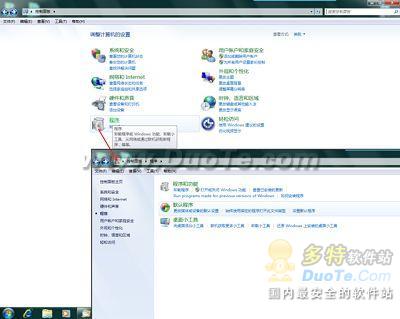
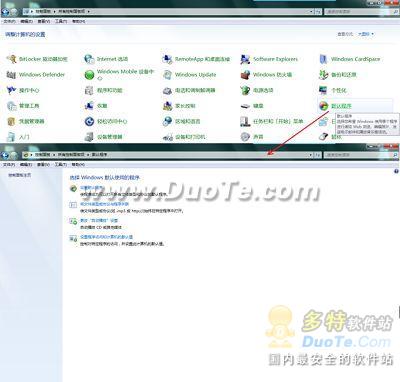
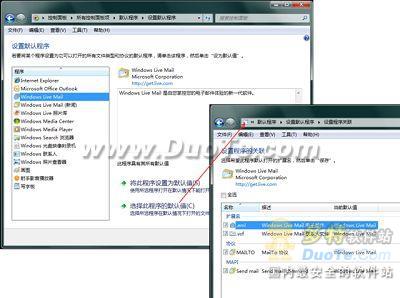
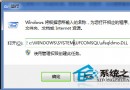
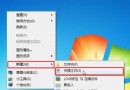
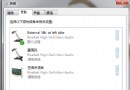
Win7 移除了 XP 時代的「資料夾選項 → 檔案類型」,改由控制台「預設程式」管理檔案關聯。文章以 .eml 郵件檔關聯 Outlook 為例,示範完整流程。
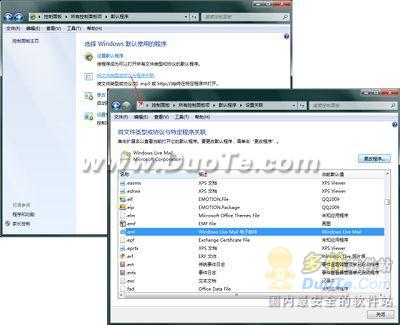
或點擊「將檔案類型或通訊協定與程式關聯」→ 找到 .eml → 「變更程式」指定 Outlook。
此介面取代舊版「檔案類型」標籤,功能更直觀。
Win7 常見五大故障與解決方案:從 DVD 無聲到 XP Mode 失效
Windows 7 快速啟動效能監視器:Win+R 輸入 perfmon 秒開
Win7 純淨版記事本雙擊打不開?檔案關聯修復:右鍵內容→變更→選記事本→勾選「始終使用」
Win7系統字體亂碼/顯示方框?控制面板→字體→字體設置→「還原默認字體設置」一鍵修復
Win7 打印機共享訪問不了?三大典型場景分級解決方案
Windows 7 省電機制:比 Vista 省 30%、服務觸發式啟動、處理器核心停駐技術
Win7 筆電螢幕亮度調節四大法:工作列、控制台、Fn熱鍵、Win+X行動中心
Win7 更新錯誤 80246007?啟用 BITS 服務(後台智慧傳送)即時修復