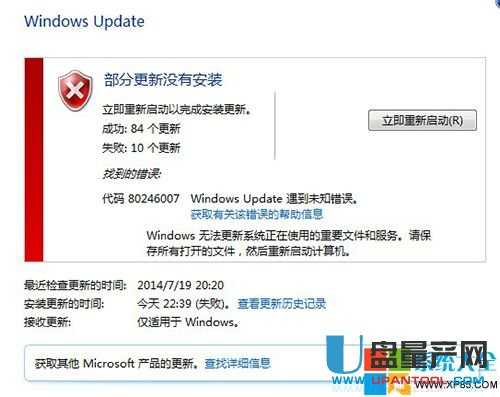
Windows Update 跑到一半跳錯誤碼 80246007,核心原因是 **Background Intelligent Transfer Service (BITS)** 服務未啟動。兩分鐘啟用服務即可恢復更新。
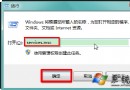
services.msc
連帶檢查:同頁確認「Windows Update」服務亦為「自動/已啟動」;若 BITS 啟動後立即停止,請掃毒並執行 sfc /scannow 修復系統檔。
sfc /scannow
迅雷下載提示「暫存檔或其所在磁碟不可寫入」綜合解決方案
Windows 7 必學 70 個實用技巧大全
Win7 虛擬記憶體最佳設定三大迷思破解:不應放 C 槽?1.5~3 倍公式?越大越好?依實際使用量精準設定才是王道
Windows 7 自訂開始選單:打造專屬高效啟動清單
Win7 善用 Windows 疑難排解解決網路「受限或無連線」
Win 7 家庭普通版如何升級 SP1?完整圖文教學
Win7 旗艦版瀏覽器網頁輸入框無法輸入文字?刪除登錄 EnableUIPI 修復 IE9/IE10 滾輪失效 Bug
Windows 7 內建 NFS 用戶端完整設定教學:掛載 Linux/UNIX 共享資料夾