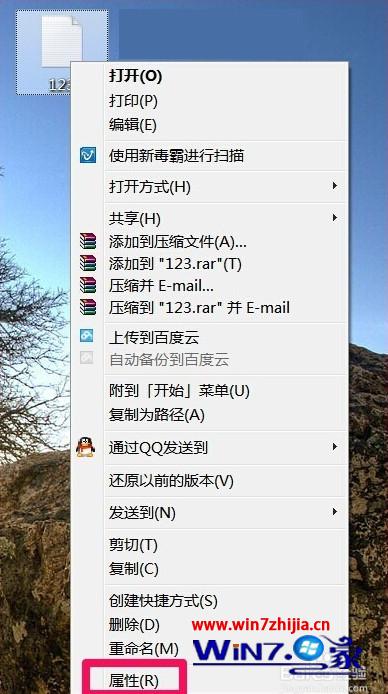
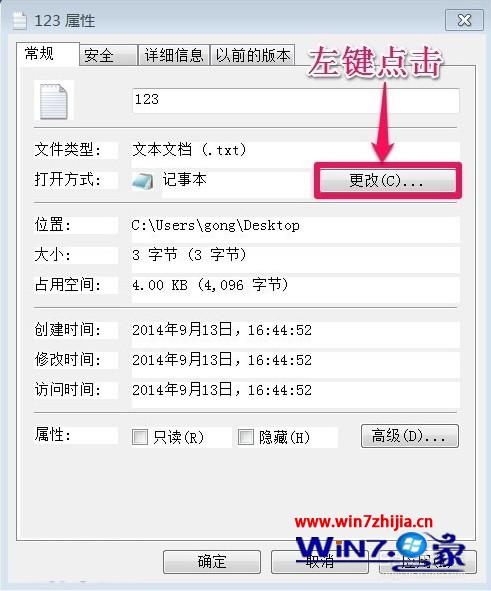
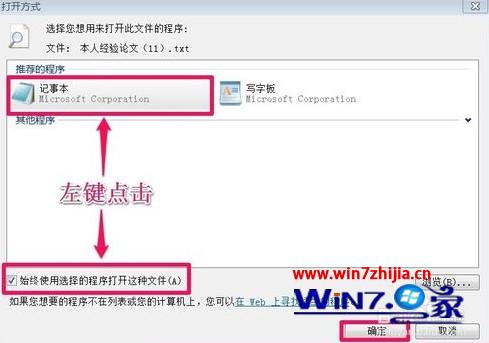
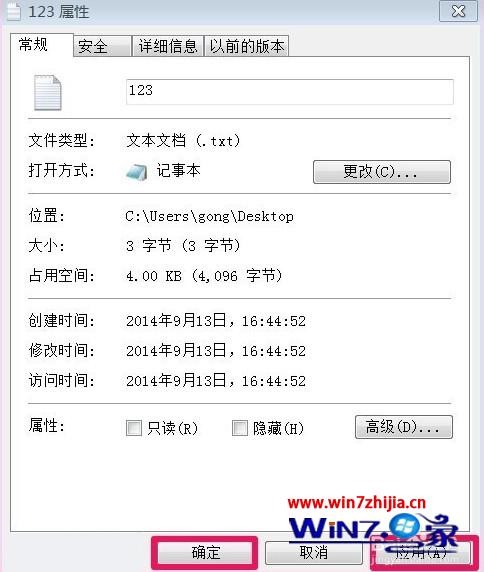
雙擊 .txt 檔跳出「開啟方式」對話框?記事本檔案關聯遺失。右鍵修復關聯三步驟,永久解決。
批次修復:若多種文字檔關聯皆壞,控制台 →「預設程式」→「設定預設程式」→ 選「記事本」→「設定這個程式為預設」→ 全選副檔名儲存。
Windows 7 網速優化實戰:TCP 窗口調優與註冊表調校指南
Windows 7 工作列縮圖預覽視窗大小調整:註冊表一鍵放大,告別看不清內容
各取所需:Win7 家庭群組打造家庭多媒體共享網絡
Win7 SP1 無法讀取 XP 燒錄的 DVD?KB2566584 修補程式修復 UDF 會話資料遺失問題
Win7 桌面圖示全部消失?三招恢復:註冊 shell32、重建顯示桌面.scf、Win+D 替代
Win7 系統備份出現 0x80070422 錯誤?啟動 Windows Backup 服務即可解決
Win7 安裝後光碟機打不開?兩種方法修復 DVD 驅動器異常
Win7 筆電無法存取 XP 系統共享資料夾?調整 LAN Manager 驗證層級相容舊版協定